Analysis of official documentation, with no testing on a paid account.
In this guide
Documentary review of official SE Ranking help, without creating a project or taking measurements in an account.
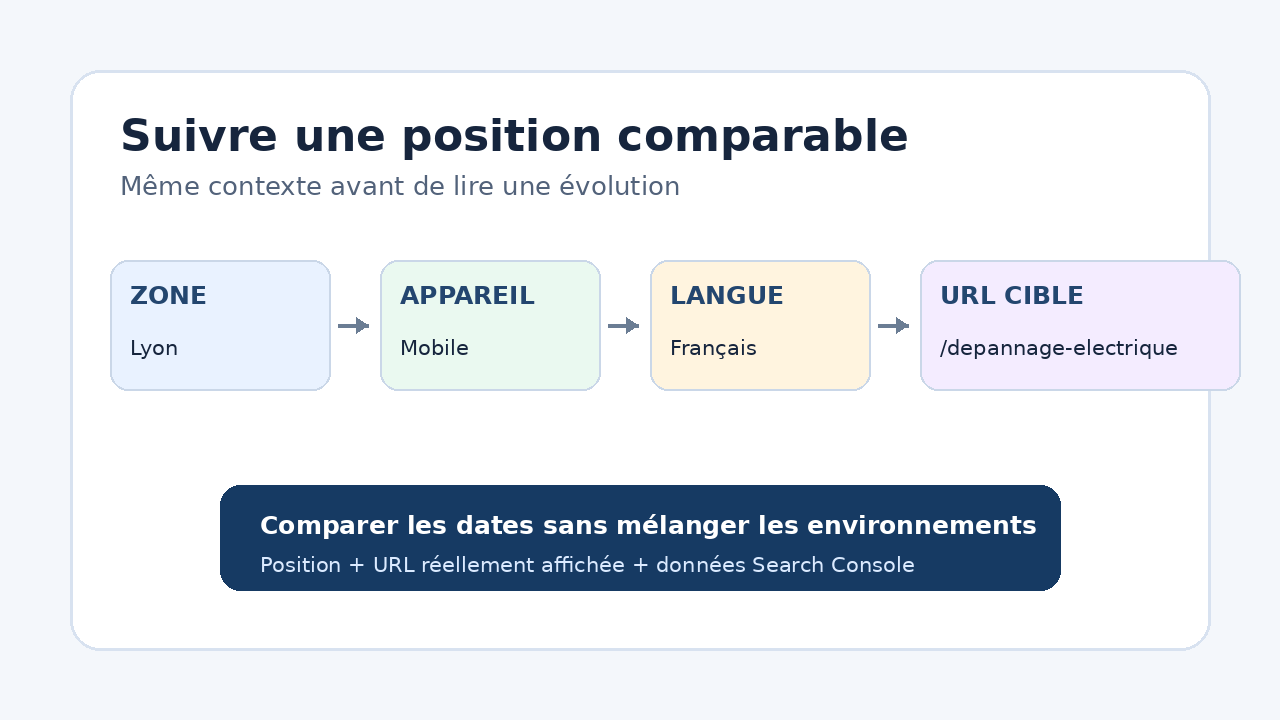
To compare rankings over time, keep the same location, interface language, search engine and device. Then add a target URL to each important query without immediately restricting the check to that page alone. This shows whether Google displays the intended page or another URL from the site.
Set the framework before adding keywords
| Business question | Useful setup | Mistake to avoid |
|---|---|---|
| Be found in a specific city | Google Mobile or Desktop with the city or postcode served. | Compare this series with a national measurement. |
| Track an offer sold throughout France | France, French, with the device chosen for the traffic to observe. | Add several cities and then read their average as a national result. |
| Check a service page | Assign the query to its target URL. | Hide other URLs before checking for a conflict. |
| Compare mobile and desktop | Create two separate setups with the same queries. | Mix devices into one starting figure. |
SE Ranking lets you choose the country, a city or postcode, the device and the interface language. The documentation states that rankings may vary by interface. Record these settings in your tracking because a later change alters the measurement context.
Create a project limited to one decision
- Enter the domain and choose whether the project covers the whole site, a directory or a specific URL.
- Add Google Desktop or Google Mobile with the location actually served.
- Start with queries linked to an offer, a location and an existing page.
- Add simple tags, such as service, city or contact intent.
- Keep the start date and settings before making any site change.
A large keyword inventory quickly dilutes the decision. For a small business, start with pages meant to generate a call, quote or booking. Add a query only when its movement can lead to an identifiable action on the page or its internal links.
Use the target URL to spot the wrong page
The target URL is the page you want to appear for a query. SE Ranking can flag that Google displays another page. Initially leave exact-URL checking disabled so you can observe the URL that actually ranks instead of turning its appearance into a missing ranking.
A mismatch alone does not prove cannibalisation. Compare the content, intent and internal links of both pages. If they answer different needs, clarify their titles and links. If they cover the same decision, choose the main page before consolidating or redirecting.
Hypothetical example: a repair business in Lyon
A business tracks four queries related to electrical repairs. It creates a Google Mobile setup for Lyon and assigns each query to the corresponding service page. Two weeks later, the home page appears instead of the dedicated page for two queries.
It does not conclude that the dedicated page lost two positions. It first checks which URL appeared on each date, then compares the title, local content and internal links. After the change, it keeps the same location and device. This example explains a method; no measurement was taken in SE Ranking.
Compare equal periods without overinterpreting one day
Standard tracking is checked daily according to SE Ranking help. A manual check is also possible, but a single ranking can vary. Compare periods of equal length and review site changes made during that interval.
- Filter one location and one device before comparing dates.
- Look at the ranking URL, not only the position.
- Separate a general rise from progress limited to one page.
- Compare rankings with the impressions and clicks actually available in Search Console.
Average charts across several search engines or locations provide a portfolio view. They do not replace reading one page in its market. Keep one stable series for decisions, then use aggregated views to find where to investigate further.
Checks before acting on a drop
- The location, language, search engine and device match the initial settings.
- The URL that actually ranks is known for the first and last date.
- Site changes made between the two dates are recorded.
- The decline appears across several checks or in Search Console, rather than in a single observation.
- The planned action addresses the observed issue: content, internal linking, access or intent.
Limits of this method
A tracking tool reproduces a configured environment; it does not represent every user’s personalised ranking. Volumes, forecasts and rankings prove neither a click nor a business enquiry. Search Console remains necessary to read impressions and clicks observed for the site.
Deleting a search engine or region removes its history in SE Ranking according to the official documentation. Before changing the project, export or record the useful series. Also check your plan limits when subscribing: this guide confirms no price or commercial quota.
Sources and method of this analysis
SE Ranking: create a project and choose search engines ; SE Ranking: configure search engines and regions ; SE Ranking: assign a target URL to queries ; SE Ranking: understand tracking frequency and views Location, device, language, target URL and period settings are combined into a stable tracking method for a small business. Sources reviewed on 2 November 2026. Methodology · Trade transparency · Report correction.