
In what case watch Malwarebytes?
Malwarebytes is worth testing if you need protection against malware and threats on workstations and devices. Check your team, deployment and portability constraints before generalizing usage.
In this review
Malwarebytes at a glance
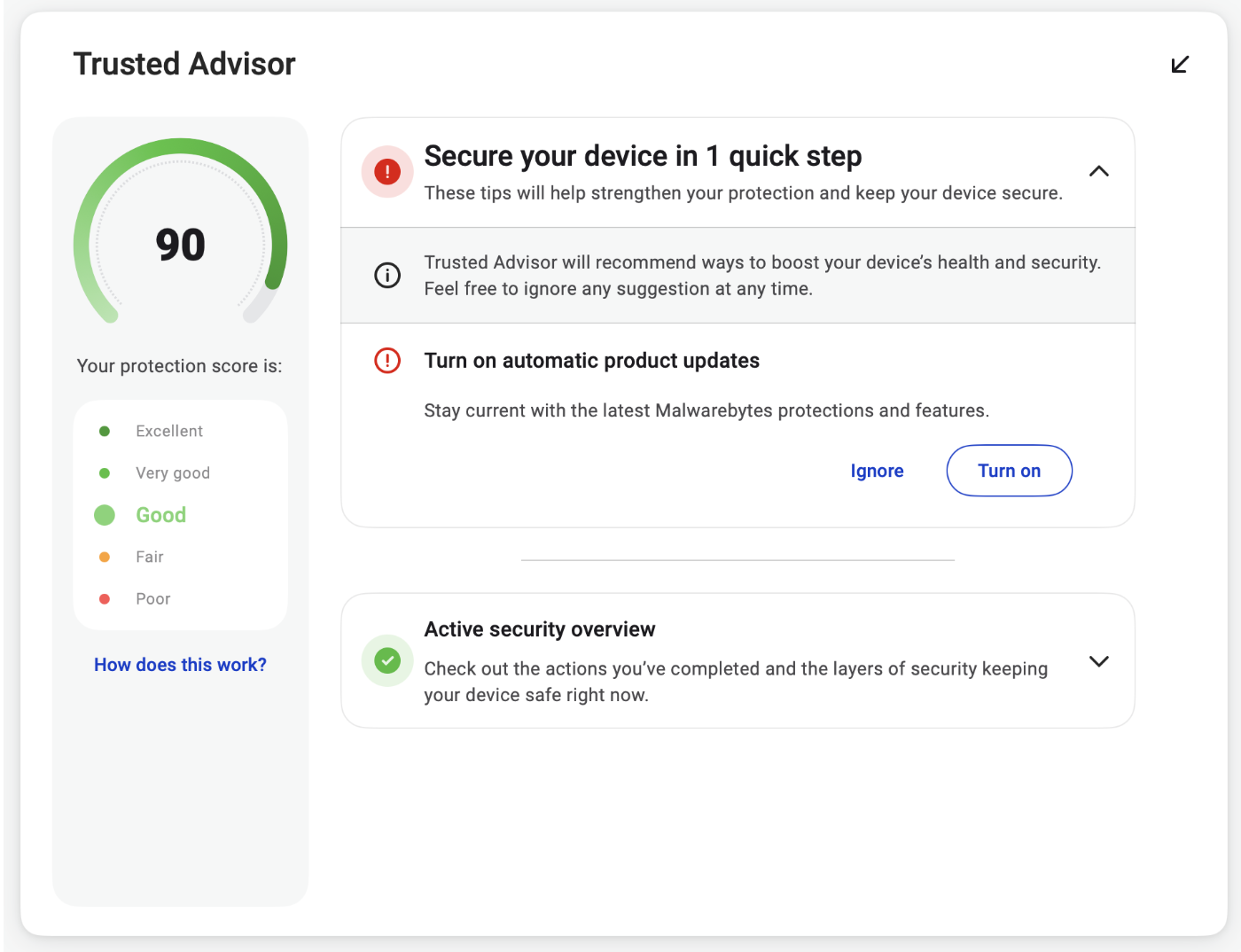
Malwarebytes interface: what this capture shows
Trusted Advisor published in official aid Malwarebytes. Logicelio uses this capture as a visual cue to read with its position "Protection against malware and endpoint threats" and features Main protection and device coverage, User administration and access, Deployment, alerts and control. This image is not a trial of the software.
The capture comes from an official Malwarebytes resource.
View Malwarebytes on the official website →
What to remember before choosing Malwarebytes
The decisive distinction in Malwarebytes is that between searching for a threat after the fact and monitoring events continuously. The free version and the pay protection do not address the problem at the same time. A completed free installation shall not be interpreted as the permanent activation of all modules presented during a test.
the plan, devices and any additional services.
What Malwarebytes offers on a daily basis
The documentation distinguishes the free cleanup tool from paid real-time protection. Define the need before comparing prices: an occasional workstation check or a continuously active protection layer. A trial period may make that difference less obvious initially.
The help explains the activation of protections on Windows and Mac. Check their actual condition after installation and after a test has expired. The name of the application in the program list does not show that each module works.
The Premium page presents a browser extension. Control the browsers used and its actual installation if this function is expected. Protection announced in the offer does not mean that it is already present in each browser profile.
If a workstation behaves suspiciously, record the symptoms and alerts. Choosing a subscription does not replace identifying the incident, protecting affected accounts and checking backups.
When this option makes sense
Who it is for: users who must choose between spot control and real-time protection.
When to look at another approach: Do not consider spot analysis without detection as evidence that a device or account is completely safe. The functions and systems covered must be checked separately.
A user looking only for a second scan
The free version can meet a one-time check, but it should not be presented as equivalent to continuous protection. If this is the need, compare the paid product, its compatibility and its articulation with the protections already installed.
Budget: compare the right scope
Malwarebytes budget: the plan, devices and any additional services.
View offers from Malwarebytes →
Limits that may change your mind
Do not treat a one-off scan with no detections as proof that a device or account is entirely safe. Check the covered features and systems separately. The documentation distinguishes the free cleanup tool from paid real-time protection. Define the need before comparing prices: an occasional workstation check or a continuously active protection layer. A trial period may make that difference less obvious initially.
Three checks to see if Malwarebytes suits you
Check active protection on an authorised workstation and understand what remains after the trial.
- Identify license
Note free version, trial or subscription and its end date.
- Control modules
Check the protection status, updates and extensions expected in the browsers used.
- Preparing for the Future
Define who rereads alerts and how to deal with a persistent problem. Keep independent backups.
Malwarebytes facing the closest solutions
| Software | Positioning | Profile | Cost to watch |
|---|---|---|---|
| Malwarebytes this review | Analysis and antimalware protection by license level | users who must choose between spot control and real-time protection | the plan, devices and any additional services |
| Avast | Antivirus and bundled device protection and maintenance offers | users who want to compare protection alone to a set of services | editing, apparatus and components actually used |
| Bitdefender | Device protection with a range of suites and modules | users who want to cover Windows, Mac and mobile devices with a clearly identified plan | the exact product, the appliances covered and the renewal |
| ESET | Device protection with HOME levels and Small Business offer | users who want to match each system with the features included in their plan | level, seats and local seller conditions |
See all alternatives to Malwarebytes →
Scope of the documentation
Malwarebytes pricing: no amount was recorded for this review.
Interface language: incomplete documentary verification.
No third-party test cited; documentary review only.
Sources used for this review
Documentary review of 27 September 2026. No malicious software executed or measured cleaning rate.