
In what case watch Momen?
Momen is worth testing if you want to turn internal processes into applications without code.
In this review
Momen at a glance
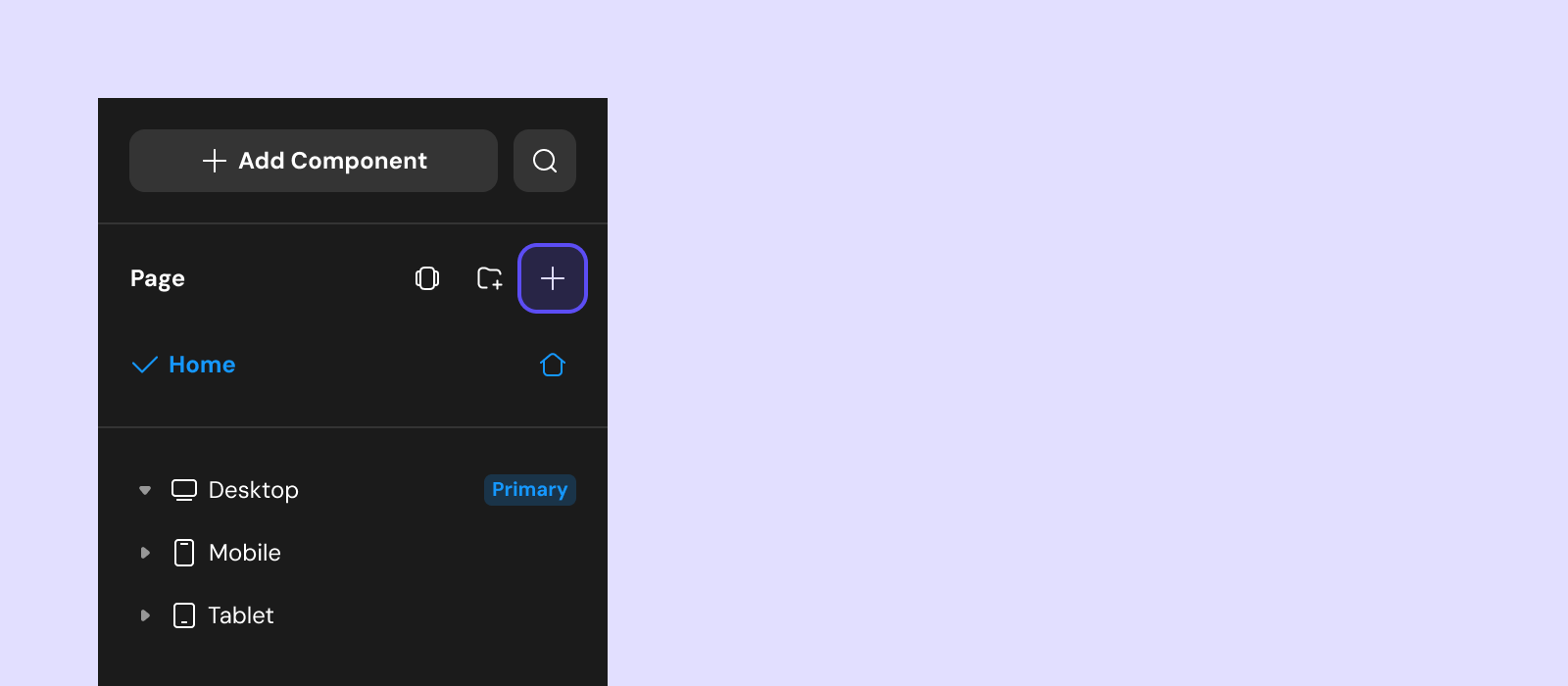
Momen interface: what this capture shows
Creating a page in the vendor Momen published in the official documentation. Logicelio uses this capture as a visual cue to read with its positioning "No-code constructor of applications with data, logic and screens" and the Data and Relationships, Logic and Actionflows functions, Screens and data access. This image is not a trial of the software.
The capture comes from an official Momen resource.
View Momen on the official website →
What to remember before choosing Momen
Momen is used to build an application, not to use an already configured schedule. Its interest is to gather the data, screens and actions of a tailor-made service. For a small business, the real choice is therefore between developing its own functioning and adopting existing software: freedom of design also means taking care of maintenance.
project resources, external services and application maintenance.
What Momen offers on a daily basis
Momen provides an integrated database with tables, fields and relationships. For your project, the key is a consistent model: a customer, their requests and their supporting documents should not become independent copies that need correcting on several screens. Designing these relationships before the pages helps distinguish storage from display.
The documentation distinguishes interface interactions, Actionflows and API integrations. This separation helps you reason about what an action actually triggers. In a request portal, submitting the form, recording the request and notifying a participant are three different responsibilities: planning for notification failure avoids confusing a sending incident with a lost request.
The vendor documents a layout system and permissions. A visually successful prototype does not validate access rules: a masked screen and inaccessible data are two different things. The design choice must be from the people authorized to read or modify each information and then translate into the application.
Momen documents APIs, execution logs and data import and export. Recovering records does not prove that the logic or screens can be rebuilt elsewhere. Distinguish retained data, documented business rules and any rewriting needed: these are three components of the cost of leaving.
When this option makes sense
Who it is for: create business applications or custom portals.
When to look at another approach: For a simple task list or standard project tracking, a ready-to-use tool can avoid building and maintaining your own application.
A case in which the custom can make sense
Imagine a small organisation receiving the same requests by phone, email and messaging. The expected benefit of a portal is not another screen: it is keeping one request, its status and its owner. Before building, check whether existing software already covers this process. If you mainly need tables and dates, an application builder adds technical responsibility without necessarily solving an additional problem. If the rules are specific to your business, describing them precisely makes the comparison more useful than a list of no-code features.
Budget: compare the right scope
Budget Momen: Project resources, external services and application maintenance.
Three checks to see if Momen suits you
Build a request portal with a client, a request and an owner, then track a request from submission to closure.
- Describe a really useful little service
Start with a request portal rather than an entire application. Define the three data items to store, the screens needed and who can take action. The expected outcome should fit in one sentence: the client submits a request, an owner processes it and everyone sees the correct status.
- Find logic and access
Using fictitious data, follow a complete request, then use two accounts with different roles. Try missing information and an interrupted action. The aim is to understand the state actually saved and who can access it, not to measure load capacity.
- Document recovery before generalizing
List the tables, actions, external services and settings required for operation. Keep an example export and have a second person explain the course. This folder prevents the application from being understandable only by its author, without promising an automatic migration to another manufacturer.
Momen at a glance
| Software | Positioning | Profile | Cost to watch |
|---|---|---|---|
| Momen this review | A no-code application builder with data, logic and screens | creators of business applications or custom portals | the project resources, external services and application maintenance |
Read the replacement criteria →
Scope of the documentation
Momen pricing: no amount was recorded for this review.
Non-exhaustive list of plan restrictions.
Interface language: incomplete documentary verification.
No third-party test cited; documentary review only.
Sources used for this review
This assessment covers documented components. No production project, development time or performance level was measured for this review.