Analysis of official documentation, with no testing on a paid account.
In this guide
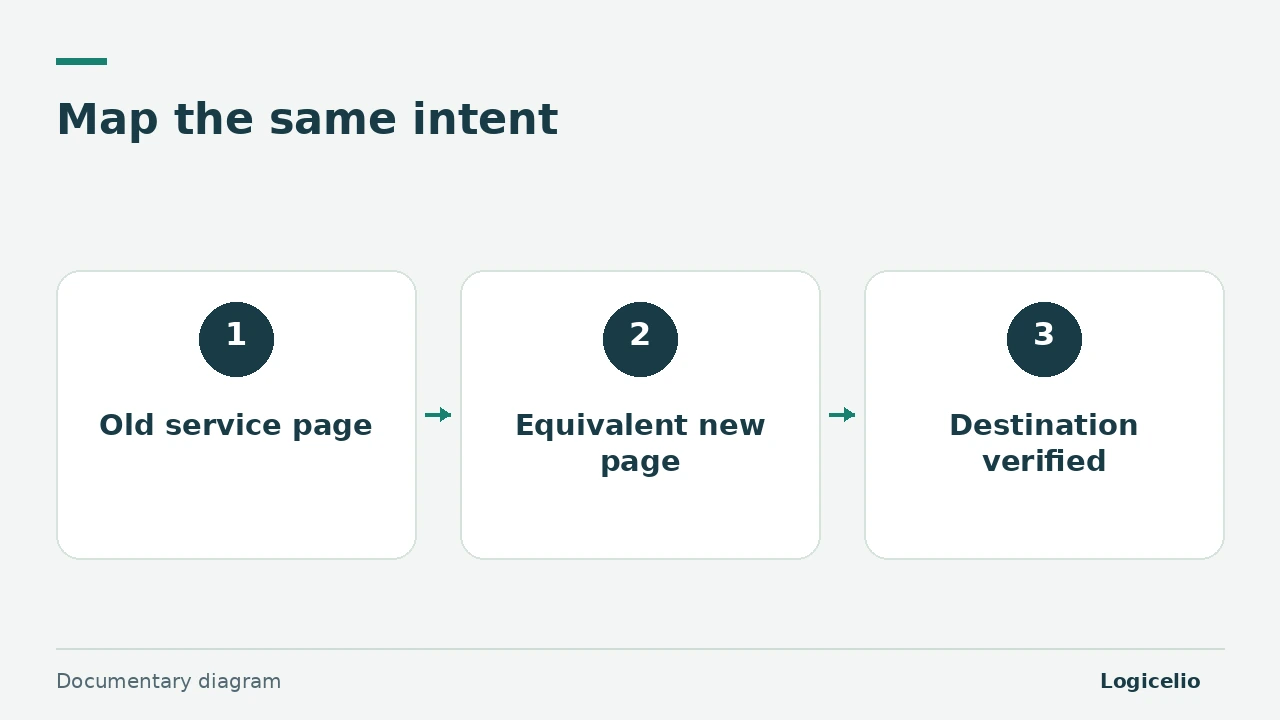
Before the move, assign a destination to each useful old URL. A service page should lead to an equivalent answer on the new site. Google advises against redirecting many pages to an unrelated homepage, as this may be treated as a soft 404.
Method. Google Search Central and Webflow documentation reviewed on 9 November 2026, with three illustrative mappings. No real migration was performed.
Build the mapping before the rules
Inventory the current site’s URLs using the CMS, sitemap, server logs and any visit or link data you can access. Include useful downloads. Then review the destination content: a new path alone does not show whether the answer remains equivalent.
| Illustrative old path | Planned destination | Decision |
|---|---|---|
/nos-prestations/atelier | /services/atelier-devis | Same service, updated description |
/blog/preparer-devis | /conseils/preparer-devis | Same guide retained |
/brochure.pdf | /documents/offre.pdf | Document replaced by its current version |
If two old guides are combined into one complete resource, document that consolidation. If an offer disappears without an equivalent, explicitly choose a 404 or 410 response rather than inventing a destination. Google reserves redirects for a relevant page or consolidated content.
Apply the mapping in Webflow
Webflow documents the path Site settings > Publishing > 301 redirects : enter the old path and destination, add the rule, then publish the site. This feature requires a paid Site plan or membership of a paid Workspace. Check this requirement for the project before relying on these settings for the migration.
Localized paths require separate rules. A rule for /ancienne-page does not automatically cover /fr/ancienne-page. Webflow also applies rules in their creation order: place precise exceptions before a general rule that could intercept them.
For a short list, start with explicit mappings. A capture rule should be tested against its exceptions and special characters before launch.
Verify the page actually reached
- open the old address and record the permanent redirect status;
- check that the final destination returns
200, without an unnecessary chain; - check the page’s internal links, images, downloads and forms;
- confirm that the canonical and indexing rules describe the new public URL;
- date the result in the table to distinguish a planned rule from a response actually received.
Keep the mapping after the move. Google describes gradual, URL-by-URL processing and possible temporary fluctuations. A correct redirect guarantees neither immediate ranking retention nor a fixed indexing time.
Separate platform choice from the migration
The Webflow and Squarespace comparison helps choose the publishing model. The URL mapping then determines what happens to each address. The guide to backing up SaaS data helps inventory retrievable content before the cutover.
This documentary review tests neither Webflow account access nor rules on a real site. For a production migration, have the mapping reviewed by the person who knows the content and the person implementing the redirects.
Sources and method of this analysis
Google Search Central: move a site with URL changes ; Webflow: configure 301 redirects Google Search Central and Webflow documentation reviewed on 9 November 2026, with three illustrative mappings. No real migration was performed. Sources reviewed on 9 November 2026. Methodology · Trade transparency · Report correction.