Analysis of official documentation, with no testing on a paid account.
In this guide
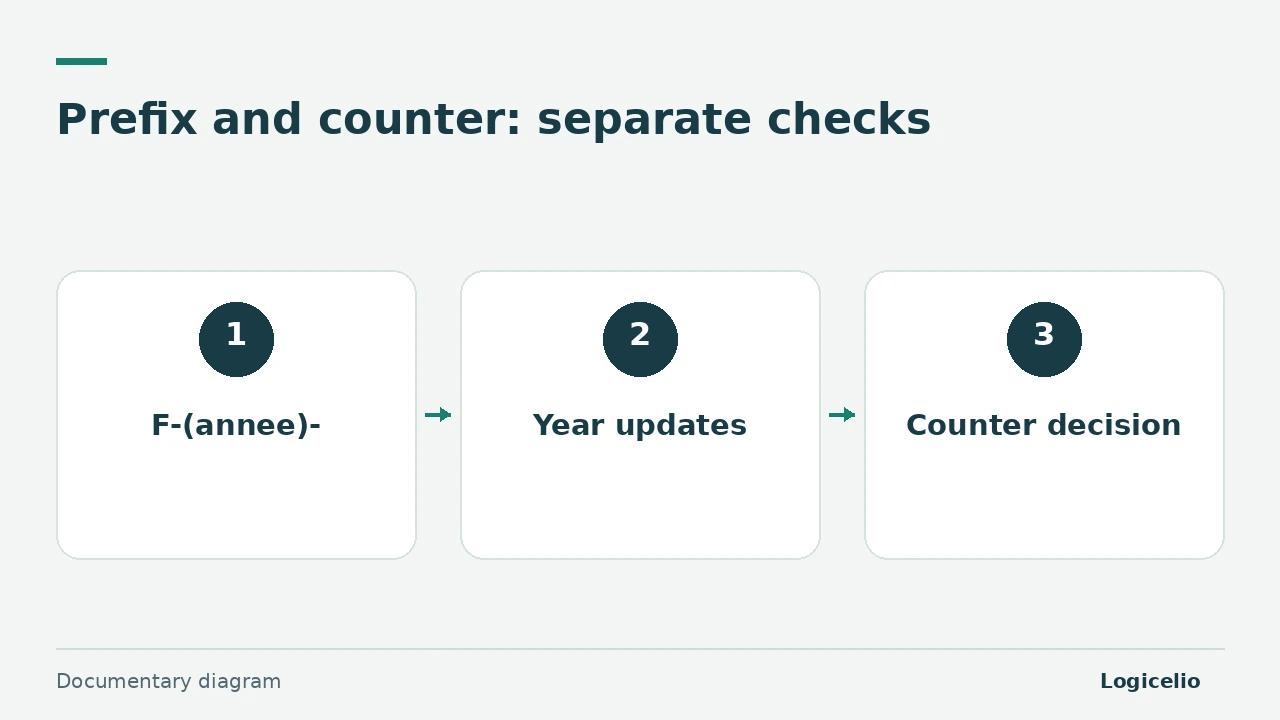
The time-based prefix and counter do not change in the same way in Pennylane. A variable such as (annee) updates the prefix automatically, while resetting the counter to 1 must be decided and completed manually before the first invoice of the new financial year.
Method. Three Pennylane help pages reviewed on 9 November 2026 and an illustrative paper simulation. No account or real document was used.
Calculate the expected result on paper
Illustrative example: the last 2026 invoice is numbered F-2026-148. The business wants the first 2027 invoice to be F-2027-1. This result combines two independent decisions:
- the prefix
F-(annee)-must display the new year through the variable; - the counter must restart at 1, which requires a manual reset.
If the prefix is hard-coded as F-2026-, it will not change to 2027 by itself. If the counter is not reset, the sequence may become F-2027-149. Write down the expected first number before changing the settings.
Separate the prefix from the counter
| Element | Function | Check when the financial year changes |
|---|---|---|
| Prefix | Adds a marker before the number, for example F-(annee)- | Check that the year variable is present and that no year is hard-coded |
| Counter | Produces the continuous number sequence | Decide whether it continues or restarts at 1, then apply that choice before the first document |
Pennylane states that, for a financial year aligned with the calendar year, the prefix must include the variable (annee). For an offset financial year, the help page requires the variables (annee) and (mois) to identify the opening period. Check the result shown in your own configuration before finalising an invoice.
Configure before the first invoice
The documented path is Company settings > Customer invoicing > Configuration and numbering. Before the first invoice of the new financial year:
- record the last finalised number from the previous financial year;
- write down the expected first number for the new financial year;
- check the prefix and its variables;
- if the counter must restart at 1, perform the manual reset;
- have a second person check both values before finalising the first document.
Pennylane help states that the prefix can be changed after the first invoice is finalised, but the counter can no longer be changed. The useful check therefore covers the complete number shown before finalisation, not only the presence of the year.
Preserve numbering series during a transition
Imported invoices can retain a separate numbering series. Do not renumber historical invoices merely to match the series created in Pennylane: preserve continuity for each series and document the transition date.
A finalised invoice requires a separate correction procedure. This guide does not describe changing a finalised document or the accounting treatment for an interruption that has already occurred. In those cases, have your accountant or Pennylane support confirm the correction before issuing the next document.
The guide to importing invoices without duplicates helps prepare a transition. The guide to tracking a partial payment covers the balance after issue.
Partner link
Sources and method of this analysis
Pennylane: number invoices ; Pennylane: configure the customer invoice editor ; Pennylane: invoice numbering FAQ Documentary review of three Pennylane help pages and an illustrative paper simulation. No account or real document was used. Sources reviewed on 9 November 2026. Methodology · Trade transparency · Report correction.