In this guide
Assign a main source to each type of invoice
In Pennylane, choose how purchases and sales arrive, then check the files before importing them. The detection of an identical file limits certain duplicates; it does not exempt the verification of an invoice received in several versions, nor of data already recorded in accounts.
Analysis of official documentation, with no testing on a paid account.
This guide is based on Pennylane help pages read on 22 October 2026. We propose a method for a very small business collecting supporting documents with its accounting firm. No connector, accounting file or live import was created for this analysis.
Inventory sources before enabling them
Aid from import configuration describes e-mail, mobile, storage and business accounts. The settings can be found in Settings > Invoice Transmission. Purchase and sales addresses are specific to the folder: take back those displayed in your space.
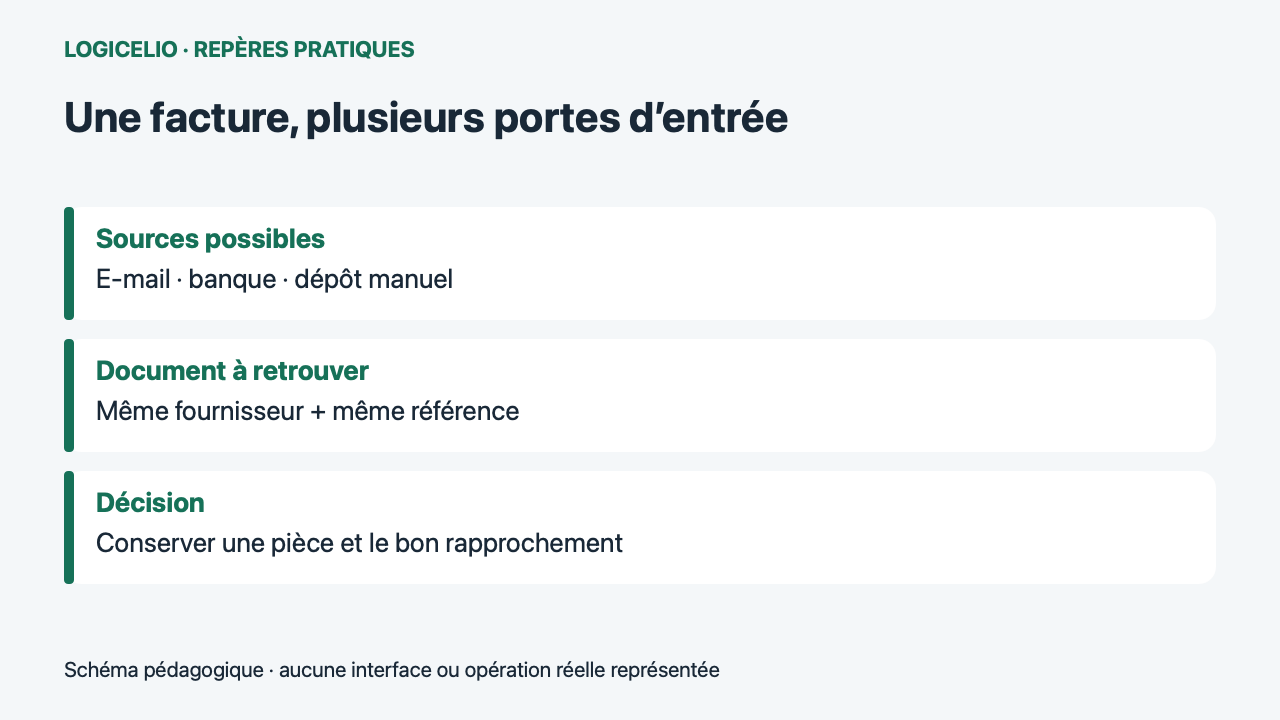
Write first where the usual pieces come from. For example, subscription invoices arrive by e-mail, on-site photo purchases and sales from the billing tool. For each family, designate a regular channel and an error manager. This organization facilitates the search for a missing document without immediately triggering a new import from all sources.
Prepare one invoice per file
The documentation requires one supporting document per file, even in a batch. Accepted formats include PDF, JPEG and PNG; photographs must meet Pennylane’s required dimensions. If the accounting firm already works in the records, the help documentation asks you to send only invoices not yet entered. It also reminds you to keep paper originals.
Keep an invoice of several pages in its own file. Separate a PDF containing several invoices. The official diagnosis specifies that internal cutting depends on access to the Accounting interface. Without this access, prepare the files before import. In particular, check the pages containing the total and payment terms.
Distinguish identical file and even purchase
Let us take this case: a supplier invoice, F-218 for €156, arrives as a PDF by email. An employee then photographs its printed version, and someone manually uploads the original PDF. The second PDF is identical to the first; the photograph represents the same purchase in another file. The question remains: how many F-218 invoices need processing? Only one in this example.
| Entry | What she represents | Check |
|---|---|---|
| PDF received by e-mail | Invoice F-218, 156 € | Find the document in Purchases |
| Photo of the paper | Other file of the same purchase | Compare reference and supplier |
| Filing of initial PDF | Identical file | Read import message |
Pennylane says a file already present cannot be imported a second time. If a document appears to be missing, search the archives too. If a file is rejected, look for the invoice already recorded, including in the archives. Conversely, documents that look similar need to be examined before anything is removed.
Caution if an accounting recovery already covers the period
The import troubleshooting guide also covers duplicates after importing an FEC or another accounting file. It advises against deleting invoices immediately. Ask the accounting firm to clarify which data was imported, the dates covered and how new supporting documents should be linked to it.
Document a clear boundary between historical records and ongoing collection. If the accounting firm has processed records through 30 September, an August invoice found in October must be examined as an exception; its arrival date does not mean it belongs to the new period. Do not try to resolve the difference by artificially changing the document date.
Collect the document, then check its payment
Aid from approximation indicates that suggestions include supplier, wording, amount and date. Closer transactions, such as subscriptions, may make the suggestion less relevant. Open the proposal before confirming it.
To close case F-218, find a single usable invoice, check the corresponding €156 debit and refer any discrepancies to the person responsible for accounting. Keeping the document and finding its payment are complementary checks. Validate collection, payment, VAT and the accounting entry separately.
For a customer invoice paid in instalments, check the associated receipts and balance before sending a reminder. Track a partial payment in Pennylane.
Partner link
Sources and method of this analysis
Pennylane: setting automatic import ; Pennylane: solving import problems ; Pennylane: reconciliation of transactions and invoices The proposed method links Pennylane import sources, duplicate messages, and regulatory control. Sources consulted on 22 October 2026. Methodology · Trade transparency · Report correction.