Analysis of official documentation, with no testing on a paid account.
In this guide
Method. This guide compares Pennylane help documentation reviewed on 6 November 2026 with an illustrative management case. No reminder was sent and no Pennylane account was used.
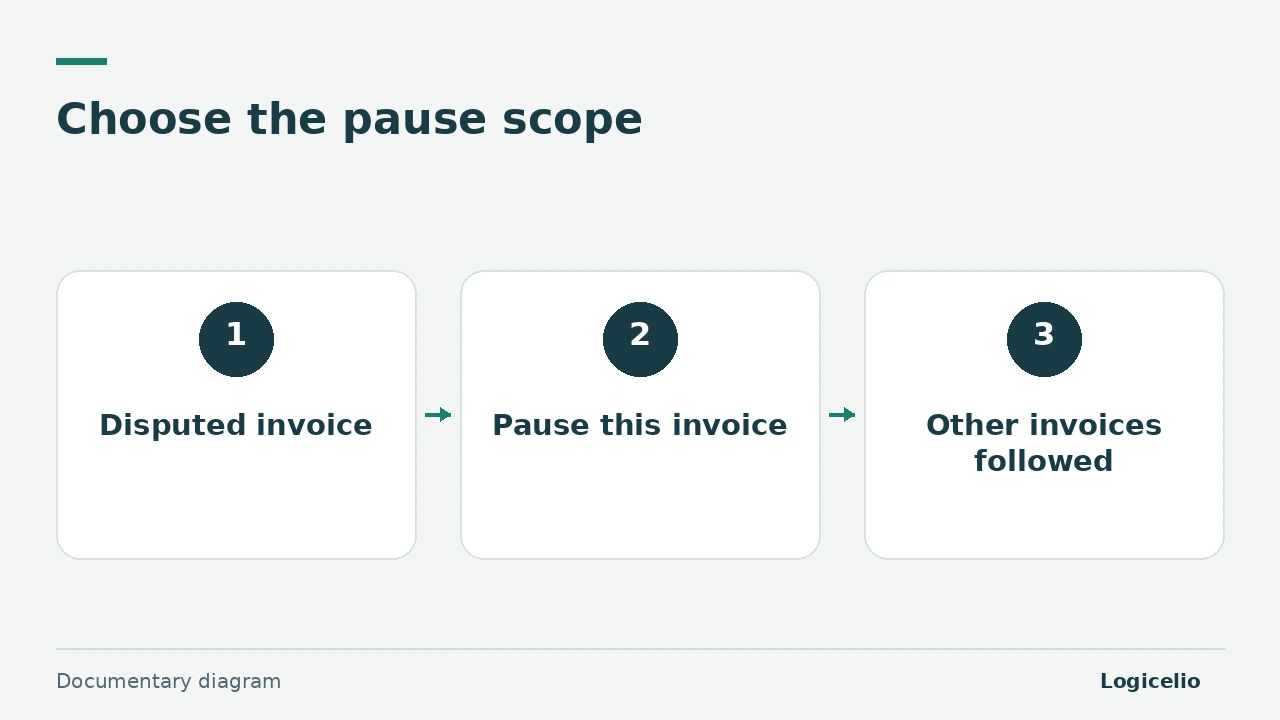
When a customer disputes one invoice, pause reminders on that invoice. Removing the customer from a sequence is appropriate for a wider suspension, but it also affects the customer’s other invoices. Decide which scope needs to wait for an answer first.
Choose between one invoice and the whole customer account
Pennylane documents automatic reminders for its Essentiel and Premium plans. Its help centre allows a reminder to be paused within an invoice. Removing the customer from the sequence pauses automatic follow-up for all relevant invoices.
Consider a small agency with two overdue invoices for the same customer. Invoice A, €900, concerns a disputed delivery. Invoice B, €1,200, relates to another accepted service. Pausing A lets the agency handle the dispute while continuing to follow B. Removing the customer would take €2,100 out of the sequence.
| Selected scope | Disputed invoice A | Accepted invoice B | Amount outside automatic follow-up |
|---|---|---|---|
| Pause invoice A | €900 paused | €1,200 still followed | 900 € |
| Remove the customer | €900 outside the sequence | €1,200 outside the sequence | 2 100 € |
The amounts retain their contractual and accounting status. A technical pause only controls the next message.
Record a restart decision
Record who owns invoice A, what must be resolved and when the file will be reviewed. An illustrative note could say: “Project manager to confirm delivery by Friday; review reminder on Monday.” A colleague can then understand why the message is paused.
Before restarting, match payments received, any credit notes and the amount still to be requested. The Pennylane partial-payment guide helps with this step. Then check the recipient and wording: the customer’s accounts team may need different context from its commercial contact.
Restart at a useful step
Pennylane states that a step already passed when an invoice joins a sequence is skipped; future steps can still apply. Check the next scheduled step instead of assuming that every previous reminder will be replayed.
A step marked “Avec validation” waits for a decision before sending. This suits a case that still needs human review. Manual reminders are another documented route, available from the Basique plan.
The final check is one question: which invoice, balance, recipient and next message are authorised? Keep that decision with the case history. For checks that apply across tools, read the pre-reminder guide.
Partner link
Sources and method of this analysis
Pennylane: send automatic customer reminders ; Pennylane: send customer reminders manually Documentary review of two official Pennylane pages and an illustrative Logicelio management case. No real account, reminder or customer file was used. Sources reviewed on 6 November 2026. Methodology · Trade transparency · Report correction.