Analysis of official documentation, with no testing on a paid account.
Define the period and expected documents first, then compare them with the received file. A downloadable export may be incomplete for your needs when a filter excludes unpaid invoices or another document category.
Method. Tiime help pages reviewed on 10 November 2026 and a fictional batch checked. No customer account was exported.
Describe the scope in one sentence
For example: “Sales invoices and credit notes issued from the first to the last day of the month, regardless of payment, with readable documents.” This sentence tells the recipient what the package covers. An accepted quotation and an issued invoice remain separate documents; ask the accountant which one is required.
Tiime documents exports from the web platform’s settings gear, with invoice, quotation or customer choices and filters. The mobile app includes status selection and a PDF option. The download link is sent to the login email address, so make sure that mailbox is accessible.
Reconcile count and value
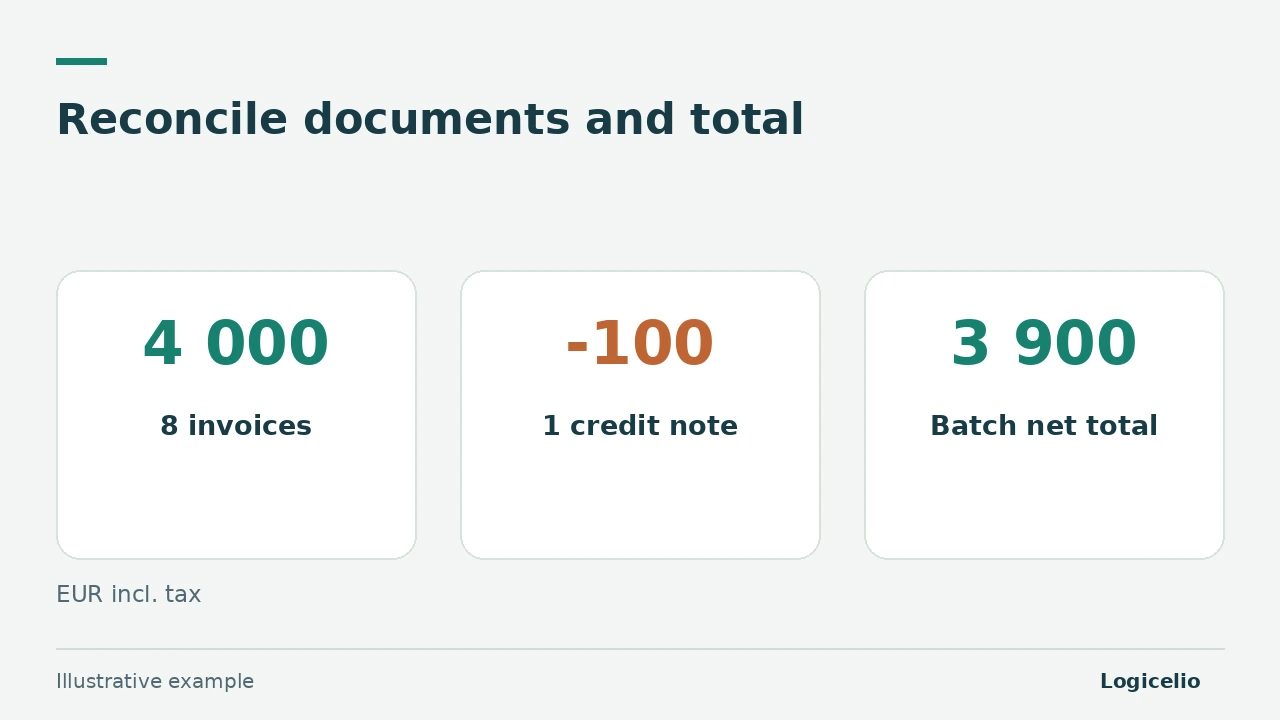
In our fictional example, the source register contains eight €500 invoices and one €100 credit note, including tax. The expected package has nine documents and a net total of 8 × 500 - 100 = €3,900.
Suppose a paid-invoices-only filter removes an unpaid €500 invoice. Depending on the other documents retained, a file may look tidy while still missing one. Compare the document numbers, then the total: the count reveals an omission and the amount helps locate it. Preserve the credit note’s sign and keep net, VAT and gross columns separate when supplied.
| Check | Expected | Difference to explain |
|---|---|---|
| Document count | 8 invoices + 1 credit note = 9 documents | One missing or additional document |
| Total incl. VAT | 8 × 500 - 100 = 3 900 € | An incorrect amount, sign or filter |
| Document-number list | Every number in the source register | The exact missing document |
Check the delivered package
Open the received files, including at least one invoice and the credit note. Check their numbers, readability and agreement with the list. Include the period and filters in the accompanying message, then use the channel agreed with the recipient.
An export of lists and PDFs makes data readable. Rebuilding the account, its settings and its history requires a separate check in the future product; keep this limit in the migration plan.
The guide to matching a payment before a reminder covers payment checks. The Tiime review places this export in the wider software choice.
Partner link
Sources and method of this analysis
Tiime: export invoices, quotations and customers ; Tiime: search and filter sales invoices Documentary review of two Tiime help pages and a fictional batch check. No customer account was exported. Sources reviewed on 10 November 2026. Methodology · Trade transparency · Report correction.