
Is 1Password worth considering?
A good fit for teams that want to secure and share their login credentials. Password manager for individuals and teams. Less suitable when the main need is a VPN or antivirus rather than access management. In that case, consider an alternative in the same category.
In this review
1Password at a glance
Official visual of 1Password: what it represents
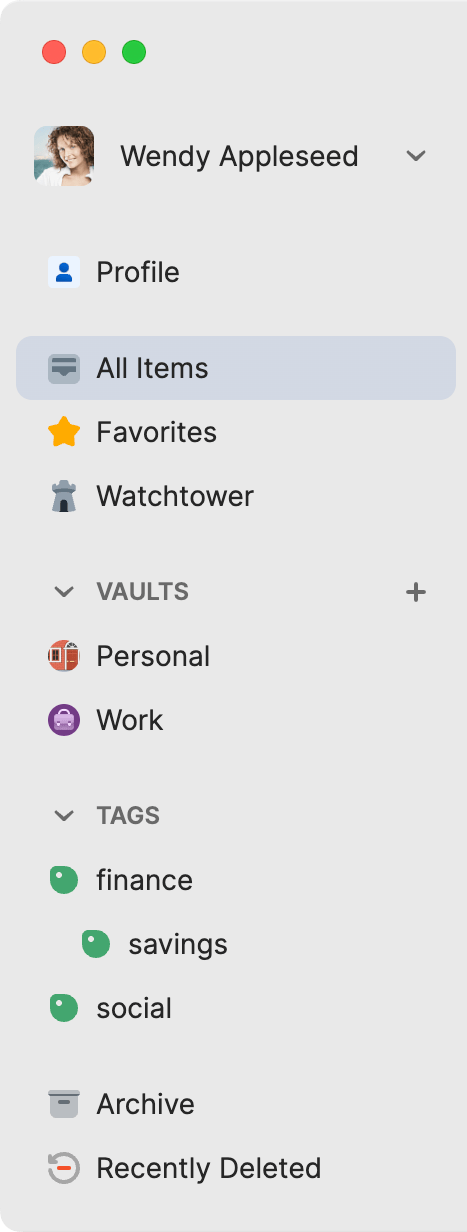
1Password sidebar for Mac published in May 2026. This is an official product visual, distinct from an interface screenshot. Logicelio relates it to the product’s positioning, “Password management for individuals and teams”, and to these features: password vaults, secure sharing and passkeys. It makes no claims about elements that are not visible in the image.
The visual comes from an official 1Password resource.
View 1Password on the official website →
What to remember before choosing 1Password
Choose 1Password is as much to organize recovery as to automatically complete a form. For a small business, you need to know who has every access, how a colleague uses it and what happens if the owner loses his device. The safe must reduce dependency on a person while limiting what everyone can consult.
Price checked on 28 September 2026; check the current price before choosing.
Original Test Title: 1Password Review: Pros & Cons, Features, Ratings, Pricing and more
What 1Password offers on a daily basis
1Password documents a Secret Key linked to the account. The Emergency Kit lets you keep the information needed to sign in again. Choose a safe location independent of the only device you use; keeping the sole copy inside a vault you have lost access to is not a recovery plan.
Individual and family accounts can use recovery codes; families and teams also have recovery mechanisms involving authorised people. Write down the scenario that applies to your plan and check who can actually help before an incident occurs.
Classify accesses by function: publication, billing or administration. The departure of a service provider must enable it to withdraw its access to the right perimeter without exposing personal identifiers. A clear organization is more useful than a single safe that everyone has access to.
Promotion offers include the first year of new subscriptions. Compare the start total and renewal with the same number of members. Do not convert an acquisition tariff into a permanent cost.
When this option makes sense
Who it is for: freelancers and teams that want to organise access without sharing passwords through messaging.
When to look at another approach: Do not assume a personal licence is equivalent to a managed organisation. Check sharing, member departure and recovery requirements before counting subscriptions.
An agency and its providers
1Password can structure shared access if the agency retains account ownership and organizes safes per mission. The decisive criterion is the ability to complete a collaboration without losing a service or exposing the identifiers of other clients.
Price: what you really need to budget
Limits that may change your mind
Do not assume a personal licence is equivalent to a centrally managed organisation account. Check requirements for sharing, removing a departing member and recovery before counting subscriptions. 1Password documents a Secret Key linked to the account. The Emergency Kit lets you keep the information needed to sign in again. Choose a safe location independent of the only device you use; keeping the sole copy inside a vault you have lost access to is not a recovery plan.
Three checks to see if 1Password suits you
Share a demo access and prepare the loss of a device without using a production password.
- Draw safes
Classify three fictitious services and assign their managers. Define who needs to view or modify each access.
- Check emergency
Identify the account-specific procedure and protect its recovery items separately. Make sure a second official knows the protocol.
- Simulate departure
Remove access from a test member and control what remains visible. Plan for the change of secrets he may have known.
What TechRadar actually tested
This test was carried out by TechRadar, not by Logicelio. I cite it to provide a perspective based on actual use, without adopting its verdict as my own.
The protocol announced: Manager test on several common platforms and uses.
TechRadar highlights ease of getting started and broad compatibility, while noting the lack of a free plan and some friction when signing in on the web.
Read the original test on TechRadar ↗1Password facing the closest solutions
| Software | Positioning | Profile | Cost to watch |
|---|---|---|---|
| 1Password this review | Password manager with sharing and recovery procedure | freelancers and teams that want to organise access without sharing passwords through messaging | membership, type of subscription and renewal conditions |
| Bitwarden | Password management with individual offers and organizations | users who want to keep a clear backup and transmission procedure | the personal or team offer and the necessary recovery functions |
| LastPass | Personal and Professional Password Manager | users who want to compare their device fleet and sharing needs | licence type, members and coverage across devices |
| NordPass | Password management with personal, family and professional offers | users who alternate between multiple devices and want to clarify their access | the plan and the number of people who need access |
See all alternatives to 1Password →
Sources used for this review
Documentary review of 27 September 2026. No cryptographic audit or intrusion test was performed.