Analysis of official documentation, with no testing on a paid account.
In this guide
- Clean an audience without confusing silence and disinterest
- Opening an email is not sufficient proof
- Create four groups with different actions
- Build a segment whose criteria are understandable
- Exclude one campaign, block and delete: three decisions
- Decide whether a reactivation campaign is useful
- Read the campaign before any group action
Clean an audience without confusing silence and disinterest
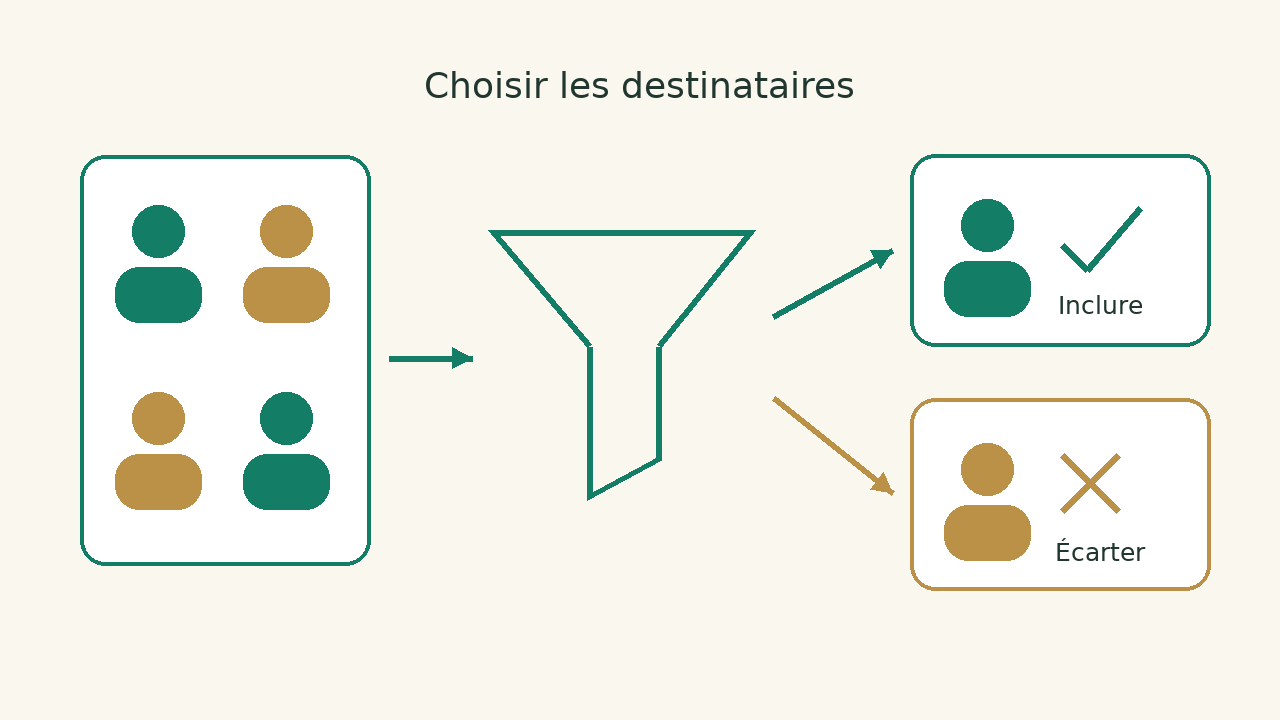
A newsletter sent to the entire base may include invalid addresses, unregistered people and contacts whose activity you simply do not measure. These situations require different decisions. For a small team, the right starting point is to define who should receive the next campaign and what data justify this choice.
It completes the domain authentication guide Brevo The technical configuration of the sender and the selection of recipients respond to two different problems.
Opening an email is not sufficient proof
Brevo explains that Apple Mail privacy protection can produce automatic openings and that bots can also affect clicks. The gear and segment settings are not interchangeable. In particular, the documentation indicates that filtering of bot activity in segmentation is not yet available, even if exclusions exist in analytics.
Openings are partial indices: some are recorded automatically, others are not tracked. In the method proposed here, a response, request or purchase gives a more concrete context to consider. These are indices of relationship, not universal authorization of prospecting or a promise of conversion.
Before comparing two campaigns, note the settings used and the selected population. If you remove part of the audience and simultaneously change the statistical filters, a change in the rate does not isolate the effect of cleaning. Keep the numbers and criteria in your report; do not conclude an increase in performance from a single percentage.
Create four groups with different actions
| Group | Information to be considered | Action to be prepared |
|---|---|---|
| Opposition or deregistration | Status and channel concerned | Preserving exclusion; not re-register with a new import. |
| Address become unusable | Failed to send and confirmed contact information | Examine blockage and possible correction by authorized circuit. |
| Active relationship, incomplete measurement | Recent response, request or transaction relevant to the context | Select relevant content and check the right to send it. |
| Lack of activity and uncertain context | Origin, seniority, campaigns received | Review before reactivation or withdrawal of campaigns. |
Choose an inactivity period that fits your cycle: a seasonal newsletter and a weekly campaign do not offer the same opportunities to interact. Document why you chose the period and which email sends were actually included. The number of days then becomes a working assumption that can be reviewed, rather than a quality rule applied to every business.
Build a segment whose criteria are understandable
The documentation of segmentation conditions Brevo distinguishes the attributes of contacts, email events and other available activities. Certain conditions depend on events actually collected; the absence of data should not be automatically interpreted as a lack of interest.
Set the segment in current language before clicking in the software: "contacts of this list, authorized for this channel, without any interaction retained during the chosen period, excluding new registrants". Then check that each part corresponds to a condition available in your account. Write the inclusions and exclusions separately to avoid replacing "and" with "or" without you knowing.
Before a bulk action, find an example of each situation in your account: a new subscriber, an active contact, an unsubscribed contact and a profile whose status is uncertain. Check whether each is included in the segment as intended by your rule. Correct the selection before preparing the email.
Exclude one campaign, block and delete: three decisions
In its contact cleaning guide, Brevo recommends blocking inactive or invalid contacts rather than deleting them, particularly to retain their history and prevent accidental reimport followed by an email. The same guide describes excluding inactive contacts when preparing a campaign.
Our checklist separates the purposes: a one-off exclusion prepares a campaign; blocking protects email sends according to the chosen status; deletion serves a different data management decision. Do not choose deletion simply to reduce a count without examining what you need to retain or erase. Check your obligations and retention periods against your business's circumstances.
Before importing an old list, check how its statutes are processed and who knows the source. A spreadsheet without history does not allow to restore all recipients by default. Also check automations and other channels: a person who is excluded from a newsletter may still appear in another scenario.
Decide whether a reactivation campaign is useful
A reactivation makes sense when the contact can receive the message and a relevant proposal remains identifiable. It does not repair a questionable collection or opposition. Choose a specific question: what type of content does it want to receive, or what preference does it want to retain? Avoid an insistent suite whose only goal is to cause a measurable click.
Let us take this case: a company prepares its quarterly newsletter. A customer has responded to the support recently, without a click measured in the campaigns; a prospect has never received a campaign since its registration; an address is unregistered. Treating them all as "inactive" erases important differences. The first decision is to look at the context of each group, not to send the same message to the three.
Specify what you will do in the absence of an answer: withdrawal from certain campaigns, manual examination or maintenance of an existing status. This choice must be prepared before sending and documented. We do not set a universal rate or number of recoverys; the frequency must remain consistent with the applicable relationship and rules.
Read the campaign before any group action
- Are deregistrations and exclusions retained?
- Have the new registrants had a real opportunity to receive the content?
- Are clicks and openings interpreted with their limitations?
- Does the segment correspond to the written rule, including exceptions?
- Can a person stop an operation or correct an ambiguous selection?
- Does the report distinguish a decrease in the number of recipients of a commercial result?
To choose the tool, examine the Brevo review, comparative Brevo or MailerLite and category emailing. This guide does not recommend migrating only to clean up a hearing. If the origin of contacts, status or events remains unknown, start by clarifying them: a sophisticated segmentation on ambiguous information does not make the campaign reliable.
Sources and method of this analysis
Brevo: contact cleaning and difference between blocking and removal ; Brevo : Apple Mail and bots, analytics and segment boundaries ; Brevo : conditions available for segmentation Sources consulted on 9 October 2026. Methodology · Trade transparency · Report correction.