Analysis of official documentation, with no testing on a paid account.
In this guide
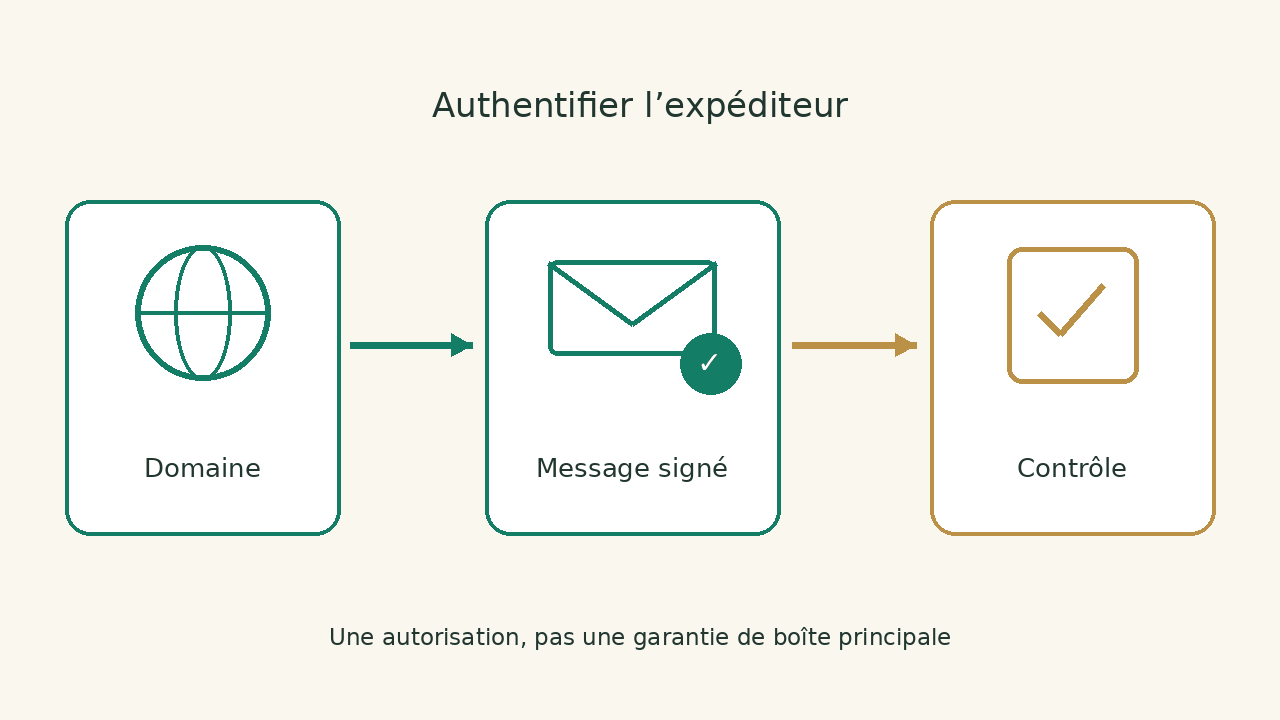
Authenticate your domain to allow Brevo to send messages for your business. This authorization helps mailers distinguish your campaigns from messages that mimic your domain. The main box placement also depends on reputation and content.
Instructions Brevo and Google viewed the 8 October 2026.
Choose the domain that appears in your messages
Start with the address used for campaigns: for example, an address of your company rather than a personal Gmail account. The domain must be managed. Brevo specifies that a public domain such as gmail.com cannot be authenticated by your company: you do not control its DNS area.
Domain name, website and messaging can be managed by different providers. The right place to intervene is the DNS area that is authoritative, not necessarily the dashboard where you bought the name. Identify who has this access, then keep a status of existing records before any changes.
If your campaigns are from a sub-domain, please note it. The domain to add must match your actual configuration. Avoid copying the URL of the site with its protocol and path. The guide on domain, site and DNS explains this separation, even if your domain is not registered with Amen.
Code Brevo, DKIM and DMARC: three different roles
The procedure documented by Brevo is based on its verification code, DKIM values and a DMARC policy. The values to be published come from your account. Copy your domain-specific values from the Brevo account.
| Element | What to Control | Mistake to avoid |
|---|---|---|
| Brevo code | The domain value is present in the right area. | Copy the code from another account or former domain. |
| DKIM | The name, type and target correspond to the displayed instructions. | Replace a selector used by another email. |
| DMARC | The existing policy is understood and remains consistent across all senders. | Create several competing policies at the same location. |
The Brevo documentation indicates that SPF and MX are not necessary for its standard authentication procedure; it distinguishes the case of a dedicated IP. So do not add an old SPF example only because an article suggests it. Do not delete the recordings from your professional email: they are for another use.
If a DMARC policy already exists, have it reviewed before replacing it. It can cover the company's courier, billing and other services. Automatic authentication Brevo can offer a replacement; its documentation provides a manual setup when you want to keep the existing policy.
Prepare an intervention DNS that does not cut emails
We recommend a list of services that send for your domain: professional box, billing software, site form, shop and marketing tool. This list is used to identify dependencies before touching on domain policy. It avoids validating a campaign while blocking invoices sent elsewhere.
For each value proposed by Brevo, copy the registration name, type and content separately. Some DNS handlers automatically add the domain to a short name. Check the saved final address: a correct value published under a doubled name will not be found in the right place.
Do not make several changes without intermediate reading. Prepare a journal with the previous value, the added value, the person involved and the time. This statement facilitates diagnosis if the tool does not detect the recording. It also allows specific assistance to be requested from the domain manager.
The Brevo guides offer procedures for several suppliers, including Amen and OVHcloud. Choose the one that matches your active area. An old panel capture may have different titles: check the DNS result rather than the only interface resemblance.
Validate domain and check a real message
After saving the records, return to Brevo to request domain verification. If the check fails, start by comparing the displayed values with those published. Brevo states that changes may take up to 48 hours to be recognised; this does not mean every change necessarily takes two days.
Authenticated status is a step, rather than proof of business results. Before a campaign, send a test message to mailboxes you own or whose holders have agreed to the test. Examine the displayed sender, links, reply and unsubscribe options. If you can read email headers, compare the authentication results with your sending domain.
Note the expected result and the result found without generalizing to your entire audience. A message received in your box does not show that all providers will treat the campaign in the same way. Keep errors and possible rejections for the media to analyze the facts, not an impression of "mail that does not pass".
What Gmail requirements change for a small business
Google distinguishes between the general rules for sending to personal Gmail accounts and those for senders exceeding 5 000 messages per day to these accounts. The first level requires, among other things, SPF or DKIM; the second requires SPF and DKIM as well as DMARC. Volume must therefore be assessed within this scope, rather than using only the number of contacts in the Brevo account.
For senders affected by the second level, marketing and subscription messages must also allow unsubscribe with one click. The link in the message body and the technical one-click unsubscribe mechanism perform two distinct functions. Check your platform's current instructions and campaign configuration before increasing volumes.
Treat three issues separately: technical authorisation to send email, whether the recipients are appropriate, and the email's content. Fix the DNS before considering a higher-tier subscription.
Diagnosis without changing at random
- Domain not detected: check the active DNS zone and the final published name.
- Different value: compare the current content to that of the Brevo account, without added spaces or old key.
- DMARC already present: have the policy and other senders reviewed before replacing anything.
- Validated domain but message rejected: keep provider return and headers for support.
Stop modifications if you do not know the role of an existing record. Ask the provider for intervention limited to the necessary values, with the previous state being safeguarded. The goal is to get an explained configuration, not stack patches until you see a green light.
To compare the uses of the tool beyond this setting, see Brevo review, comparative Brevo and MailerLite and category emailing. Authentication remains a task to organize regardless of the software chosen.
Sources and method of this analysis
Brevo: authenticate its domain, procedure and FAQ SPF/MX ; Brevo: Diagnosis of records and time frame ; Google: instructions for sending to personal Gmail accounts This review compares the DNS values requested by Brevo with authentication requirements for Gmail recipients. Sources consulted on 8 October 2026. Methodology · Trade transparency · Report correction.