Analysis of official documentation, with no testing on a paid account.
In this guide
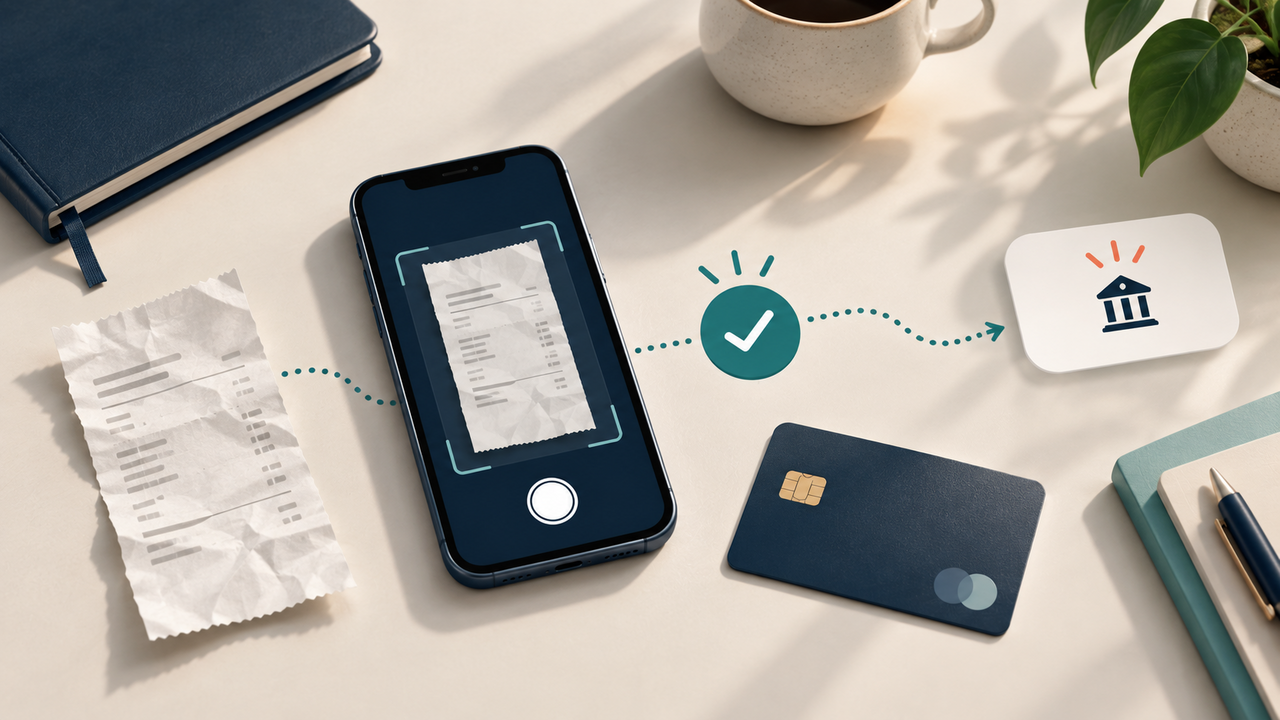
An employee pays for a meal with their personal card, photographs the receipt and then requests reimbursement. The expense seems simple. Yet the same supporting document may be imported twice, payment may already have been made outside the tool, or the business reason may remain too vague for the approver to understand the claim.
This workflow combines Urssaf rules with Tiime, Qonto and Pennylane features. Internal rules and the accounting treatment must be validated with the appropriate person for your business.
Define what enters a fee note
TheUrssaf sets professional fees as expenses incurred by an employee for the purpose of his or her professional activity. Reimbursement may relate to justified actual expenditure or take the form of a lump sum allowance where the corresponding conditions are met. This guide focuses on real-time reimbursement: an expense that is personally advanced, documented, reviewed and reimbursed.
Do not mix three situations: a purchase paid by the company card, an expense advanced by a person and an allowance calculated on a scale. In Tiime, for example, reimbursement of professional expenses from evidence that is not already linked to a transaction and has not yet been repaid. This distinction avoids turning a professional payment already registered into a debt to the employee.
| Situation | Exhibit expected | Check before validation |
|---|---|---|
| Personal card | Reason for expenditure and professional grounds | Applicant, amount, date, beneficiary of refund |
| Company map | Transaction justification | Do not create a personal refund |
| Kilometric allowance | Route, grounds and elements required by the scale | Applicable rule and separate ticket calculation |
| Supplier invoice | Invoice addressed to the company | Go through the supplier circuit, not through a fictitious fee note |
Read the proof before reading the form
A tool can extract an amount, date and merchant. These fields speed up data entry. The business purpose of the expense still needs to be checked against the document. Reread the original document, then match it to the claim: amount including VAT, currency, date, supplier, nature of the purchase and person who paid.
Then add a reason that someone who was not present can understand. “Lunch” describes the expense but not its context. “Lunch with prospect A, meeting on 8 October” explains the purpose without copying unnecessary data. For a journey, Urssaf notes that justification may require proof of the trip, kilometres travelled and vehicle details, depending on the regime used.
An illegible ticket does not become reliable because it is attached to a complete form. Ask for a new image or invoice when possible. Do not retouch the document to hide or modify its content. The official guide of the Ministry of Economy recalls that accounting documents must be kept ten years. The archiving of the document and the approval of the expenditure are therefore two complementary checks.
Find duplicate before approving
A duplicate does not always have the same filename. Compare at least the claimant, supplier, date and amount. Also look for a business card transaction, a previous reimbursement or an electronic invoice received separately. The aim is not to delete at the first resemblance, but to explain whether the two entries represent a single expense.
Pennylane now describes the reconciliation of a supporting photo with the corresponding electronic invoice and states that the detection of duplicates helps to avoid double reimbursement. This automation must remain reviewable: a receipt and an invoice may document the same transaction, while two meals costing the same amount may be separate expenses.
Separate the request, approval and payment
In a very small organisation, the same person may manage several stages. It is still useful to keep three distinct statuses: submitted, approved and reimbursed. “Approved” authorises reimbursement. The completed transfer is a separate step. “Reimbursed” must be traceable to a real transaction.
Qonto allows the member to submitting an expense paid with personal funds, with proof, then follow the requests for amendment or decision. Pennylane offers approval circuits for supporting documents before repayment or payment. These functions do not determine your policy: they materialize the rule you have defined.
A short policy can specify permitted categories, submission deadlines, the detail required in the reason, thresholds requiring a second approval and how disputed expenses are handled. Avoid thresholds with no assigned owner: above a given amount, state who must review the claim and what happens in their absence.
Reconcile the reimbursement without reusing the supporting document
After payment, reconcile the reimbursement transaction with the approved expense claim. The Pennylane refund documentation distinguishes between processing other users' expense claims and, depending on the workflow, manually reconciling the bank transaction with the submitted supporting document. Tiime also states that the reimbursement shown in the interface can be linked to the corresponding expense claim.
Check four elements: beneficiary, amount, execution date and all expense claims covered. A grouped transfer may reimburse several expenses; an expense claim may also be partly reimbursed after a correction. In those cases, document the breakdown rather than forcing a reconciliation that would suggest a zero balance.
Once the refund is reconciled, do not reimport the same ticket to "complete" the transaction. Keep the link to the original note and its history. If a tool proposes to detach and attach the proof, note the reason for the correction and check that the final status does not allow a second payment.
Test the circuit with three examples
Before opening the workflow to the whole team, use fictional data in a demonstration workspace or a paper-based procedure. These acceptance checks test your organisation, rather than the tool’s accounting compliance.
- Create a simple case with legible proof and personal payment. Check the reason, the approver, the status after validation and the trace of the refund.
- Submit the same document twice under two file names. Check alert or manual search and explain the decision retained.
- Present a ticket paid by the company card as if it were a personal advance. Verify that the request is returned to the reconciliation of the transaction, without refund.
Control is successful when each case leaves an understandable trace: document, reason, decision, payment and reconciliation. Connect each demand to the banking movement that settled it.
When this circuit has to be adapted
Flat-rate allowances, mileage allowances, expenses abroad, mixed-purpose expenses, cash advances, disbursements and benefits in kind follow specific rules. A card payment receipt is not necessarily an invoice allowing the same tax treatment. If there is doubt about VAT, the beneficiary or the nature of the expense, have your accountant or the relevant department examine the case.
Functions also vary depending on the offer and the rights granted. Check on the current documentation of the vendor that can submit, approve, pay, modify, or view the expenses of another member. The Tiime review, the Qonto review and comparative Pennylane or Indy place these paths in the overall choice of the tool.
The right result is not a fee note entered in seconds. It is an identifiable professional expense, an assigned decision, a single refund and a piece that remains recognizable without depending on the memory of the person who filed it.
Sources and method of this analysis
Urssaf: definition and reimbursement of professional expenses ; Ministry of Economy: keeping accounting records ; Tiime: create and reconcile a reimbursement of professional expenses ; Qonto: submit an expense paid with personal funds ; Pennylane: Reimburse and reconcile expense notes ; Pennylane: credential approval circuit ; Pennylane: fee notes and prevention of double refunds Sources consulted on 12 October 2026. Methodology · Trade transparency · Report correction.