
Is InVideo worth considering?
Yes if you are looking to gather video generation by AI and detailed manual editing in the same web tool. Since 1 September 2026, InVideo has offered a new Editor with an editing assistant and a manually controllable multitrack timeline. The point to test is therefore no longer the absence of fine control, but the actual quality of this hybrid AI and editing workflow on your own footage.
In this review
InVideo at a glance
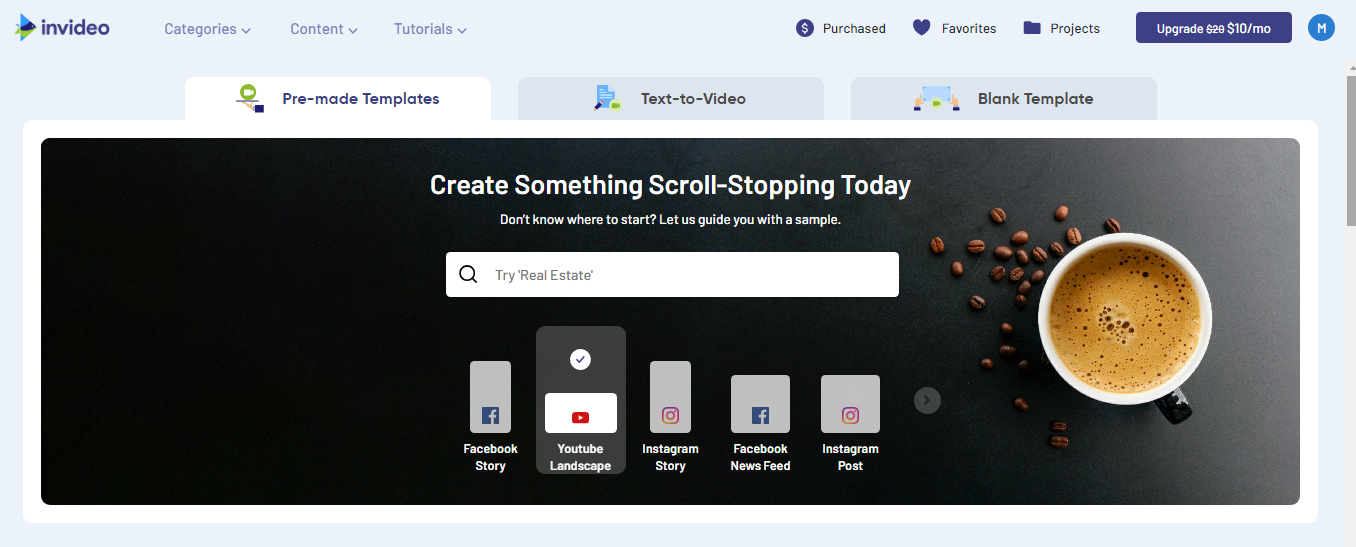
InVideo interface: what this capture shows
InVideo video editor presented in the official tutorial. Logicelio uses this screenshot as a visual reference alongside its positioning as “AI generation and an agentic multitrack editor” and its Agentic editing assistant, Controllable multitrack timeline, and Advanced editing tools features. This image does not constitute a test of the software.
The capture comes from an official InVideo resource.
View InVideo on the official website →
What to remember before choosing InVideo
InVideo’s cost must be calculated from the number of attempts needed to obtain a publishable result. One finished minute may require several generations and corrections. A useful pilot starts with a short script, brand constraints and a shot list to reduce unnecessary revisions.
Price checked on 26 September 2026; check the current price before choosing.
Original test title: InVideo AI video editor (2026) review
What InVideo offers on a daily basis
The documentation describes usage credits whose cost varies with the model and media, among other factors. Check the stated cost before starting a generation. Two videos of the same duration can consume different amounts if their options differ.
Plans and credits distinguish the use of actors from generated media. Calculate this extra cost separately and check the rights to the content used. A generated character must not be used to fabricate a testimonial presented as real.
The help documentation explains that manual timeline editing may be free while some AI operations use credits. Prepare changes to text, pacing and shot order before rerunning a full generation.
Documentation separates editing, generation and export conditions. Check watermark, quality, library media and account plan. An editable project is not necessarily exportable under expected commercial conditions.
When this option makes sense
Who it is for: who want to produce variants by controlling their generation budget.
When to look at another approach: Do not convert credits into guaranteed number of videos without specifying model, duration and options. Old minutes or units of previous versions can follow another grid.
A small activity that publishes some monthly videos
The package must cover a margin of recovery, not just the desired duration. If the script changes after each generation, stabilize the brief first. The useful cost is that of a validated video, with the necessary corrections and export.
Price: what you really need to budget
Limits that may change your mind
Do not convert a credit balance into a guaranteed number of videos without specifying the model, duration and options. Agent-assisted generation also depends on the mode selected. The documentation describes usage credits whose cost varies with the model and media, among other factors. Check the stated cost before starting a generation. Two videos of the same duration can consume different amounts if their options differ.
Three checks to see if InVideo suits you
Prepare a short explanatory video and estimate the cost of two correction cycles before broadcast.
- Validate script
Set promises, facts and plans before generating the media.
- Read the cost estimate
Note model, duration and options of each operation, then compare to the consumption observed in an authorized trial.
- Check for repeats
Manually correct what can be and control rights, visual consistency and final export.
What TechRadar actually tested
This test was carried out by TechRadar, not by Logicelio. I cite it to provide a perspective based on actual use, without adopting its verdict as my own.
The protocol announced: Direct Autopilot and Agent One tests with the same quick video used to compare multiple tools.
InVideo has produced realistic results and offers a powerful conversational assistant, but the generation is relatively slow and credits quickly limit testing.
Read the original test on TechRadar ↗InVideo facing the closest solutions
| Software | Positioning | Profile | Cost to watch |
|---|---|---|---|
| InVideo this review | Video creation assisted by AI and content editing | creators who want to produce variants by controlling their generation budget | models, duration, actors and operations consuming credit |
| Descript | Audio and video editing based on transcription | creators of interviews, podcasts and spoken content | media processed, credits AI and production access |
| VEED | Online video creation and editing with captioning and tools AI | teams that produce short videos and social declinations | accesses, AI functions, captioning and export quality |
| Wondershare Filmora | Accessible video editing with assisted creation features | Self-employed professionals and small teams producing videos, tutorials and social content | Subscription, renewal, AI credits and rights to resources |
See all alternatives to InVideo →
Scope of the documentation
Interface language: incomplete documentary verification.
Sources used for this review
Documentary review of 27 September 2026. No credit purchased or video generated during this review.