
Is VEED worth considering?
Yes if you recognize yourself here: social/marketing teams that produce fast. Online video editing and AI tools. Less suitable for: assemblers requiring very advanced post-production workflow. In this case, look at an alternative of the same category.
In this review
VEED at a glance
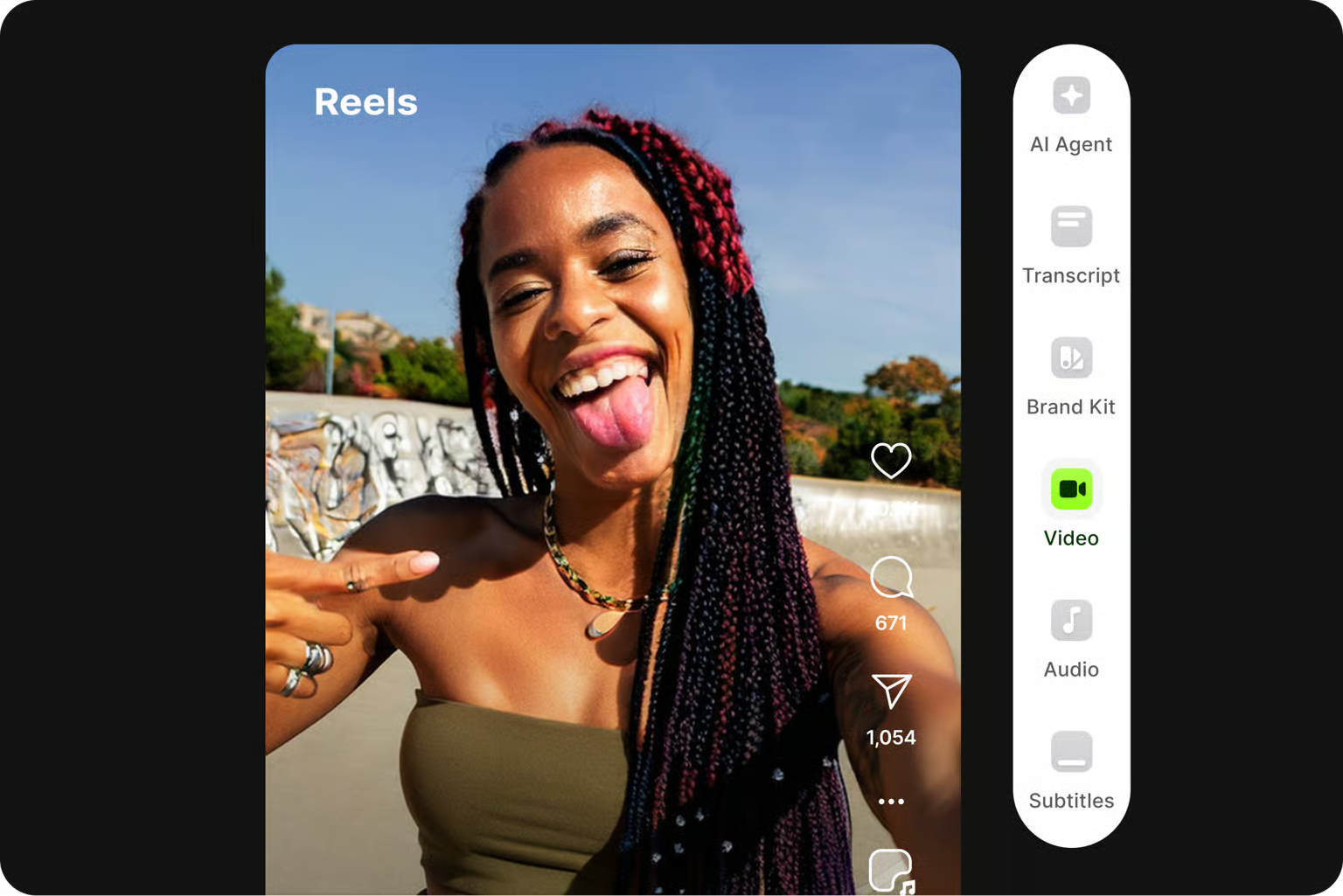
Official visual of VEED: what it represents
VEED editor for social content with a video preview and editing controls. This is an official product visual, distinct from an interface screenshot. Logicelio relates it to the product’s positioning, “Online video editing and AI tools”, and to these features: a web-based video editor; subtitles; and AI tools and avatars, depending on the plan. It makes no claims about elements that are not visible in the image.
The visual comes from an official VEED resource.
View VEED on the official website →
What to remember before choosing VEED
VEED must be tested on the file that will actually be published. Previewing in the vendor is not enough: resolution, watermark, subtitles and margins must be controlled in the export. For social videos, the most useful work often consists of producing readable variations rather than accumulating effects.
Price checked on 26 September 2026; check the current price before choosing.
Original Test Title: Veed AI video editor (2026) review
What VEED offers on a daily basis
Support explains that subscribing or reimporting does not simply remove the watermark from a file that has already been exported. You need to return to the project or the appropriate source files. Keep them until final approval and the export licence have been confirmed.
Documentation indicates that a high output setting does not improve beyond the initial quality. Prepare a source suitable for final framing. Enlarge a low definition video or reframe strongly can make the result less readable.
Check names, numbers, negations and phrases. Control also the areas occupied by the social network interface. A correct transcript can remain difficult to read if the lines change too quickly or hide important information.
VEED also documents a subtitling API with its own pricing. A team that wants to automate a stream should not assume that the mount subscription covers the API. Estimate separately manual creation and programmatic processing.
When this option makes sense
Who it is for: teams that produce short videos and social variations.
When to look at another approach: Choosing a higher export resolution does not recreate missing details from the source video. Keep the original files and project before evaluating the final rendering.
A team that declines interviews in excerpts
VEED is worth piloting if the final export and subtitles are easy to approve. Compare the number of corrections needed and project retention. An attractive preview does not demonstrate that the delivered file meets every distribution requirement.
Price: what you really need to budget
Limits that may change your mind
Choosing a higher export resolution does not recreate detail missing from the source video. Keep the original files and project before assessing the final result. Support explains that subscribing or reimporting does not simply remove the watermark from a file that has already been exported. You need to return to the project or the appropriate source files. Keep them until final approval and the export licence have been confirmed.
Sources of these limits
Three checks to see if VEED suits you
Produce a captioned vertical video and verify its export to the target audience's telephone.
- Prepare the source
Choose sufficient framing and quality, then keep the original file.
- Reread subtitles
Correct the important terms and test the playback speed without sound.
- Control the final file
Check watermark, resolution, synchronization and margins in the downloaded video.
What TechRadar actually tested
This test was carried out by TechRadar, not by Logicelio. I cite it to provide a perspective based on actual use, without adopting its verdict as my own.
The protocol announced: Free plan test with quick video and image, export and AI editing functions.
VEED is considered simple to use, powerful on subtitles and rich in AI functions; its free plan allows very few video generations.
Read the original test on TechRadar ↗VEED facing the closest solutions
| Software | Positioning | Profile | Cost to watch |
|---|---|---|---|
| VEED this review | Online video creation and editing with captioning and tools AI | teams that produce short videos and social declinations | accesses, AI functions, captioning and export quality |
| Descript | Audio and video editing based on transcription | creators of interviews, podcasts and spoken content | media processed, credits AI and production access |
| InVideo | Video creation assisted by AI and content editing | creators who want to produce variants by controlling their generation budget | models, duration, actors and operations consuming credit |
| Wondershare Filmora | Accessible video editing with assisted creation features | Self-employed professionals and small teams producing videos, tutorials and social content | Subscription, renewal, AI credits and rights to resources |
See all alternatives to VEED →
Scope of the documentation
Interface language: incomplete documentary verification.
Sources used for this review
Documentary review of 27 September 2026. No video output produced or transcript score measured.