Analysis of official documentation, with no testing on a paid account.
In this guide
Method. This guide compares the steps documented by Indy on 6 November 2026 with a hypothetical invoice paid through a Stripe payment link. It describes neither a test on a real account nor a payment executed by Logicelio.
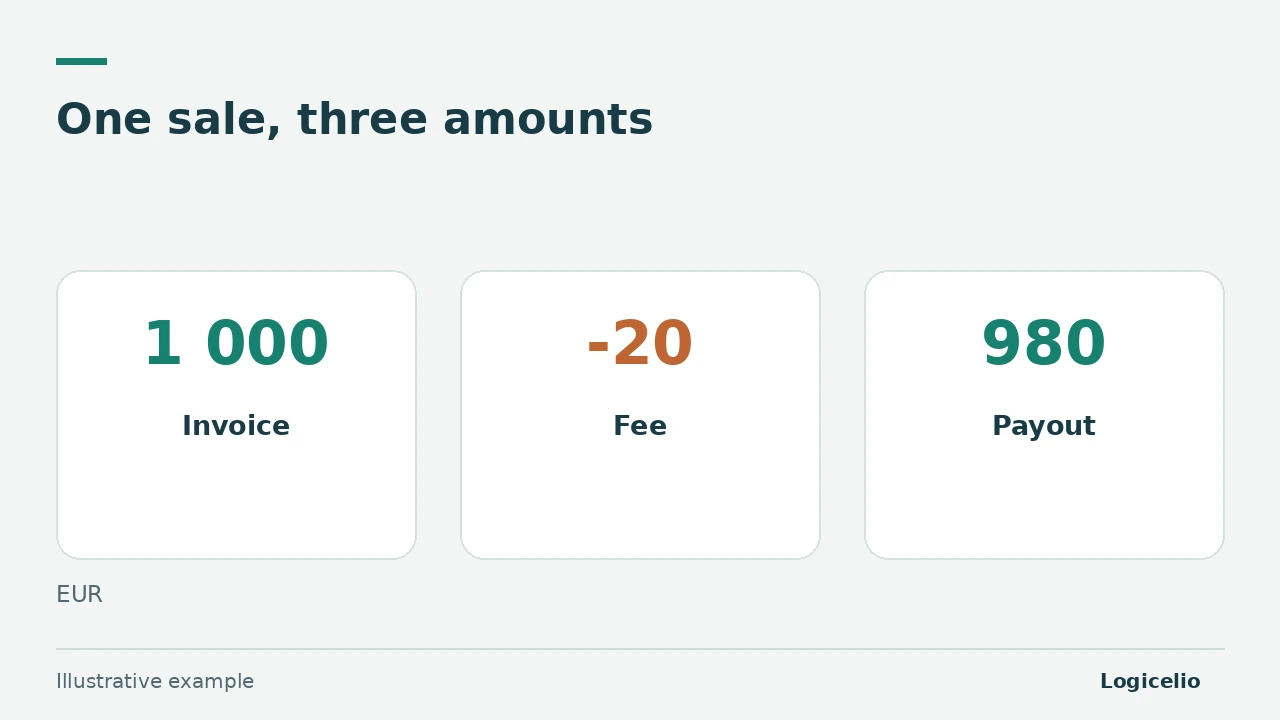
A 1,000 € invoice paid through Stripe can produce a net bank payout of 980 € after a 20 € fee. For a payment link tied to an invoice, Indy says to attach the invoice to the payment and show the withheld fees. The reconciliation must therefore explain all three amounts without recording the sale twice.
Collect the three records before reconciling
Keep the 1,000 € invoice, the Stripe detail showing the payment and 20 € fee, and the 980 € net bank transaction. Indy states that an invoice created in another tool must be imported before it can be attached. The Stripe statement explains the difference between the invoiced amount and the payout.
| Record | Example amount | Role in the check |
|---|---|---|
| Customer invoice | 1 000 € | Amount due and document to attach |
| Stripe detail | 1,000 € received, 20 € in fees | Explains how the net payout is calculated |
| Bank payout | 980 € | Amount actually credited to the account |
The arithmetic check is simple: 1,000 € received - 20 € in fees = 980 € paid out. If this equation does not hold, do not force the reconciliation. Look for a refund, reserve, currency adjustment or several grouped payments.
Reconcile the invoice and net payout in Indy
- Create the invoice in Indy or import it if it comes from another tool.
- When the Stripe transaction appears in the synced bank account, attach the invoice to that transaction.
- Use the action documented by Indy to allocate the remaining amount to bank fees. In the example, the invoice explains 1,000 €, the payout provides 980 € and the fees explain the missing 20 €.
- Review the invoice status and amounts before confirming. The net payout must not become a separate second sale.
Indy's documentation for payment links also names the category 'Invoice payment' and says a transaction with fees deducted at source must be split. The interface may change: follow the current label shown in your account and keep the Stripe detail with the invoice.
Distinguish an invoice payment link from a grouped e-commerce payout
This procedure covers an identified invoice paid through a Stripe payment link. Do not apply it mechanically to a payout that groups orders from a website. For the latter case, Indy documents an 'E-commerce platforms' category and a separate method for reconstructing sales, VAT, fees and the balance still held by Stripe.
Stripe does not appear as a synced bank account in Indy. When several payments are grouped, the bank payout alone cannot identify each sale. Keep the payment history, payout statements and Stripe exports needed for the reconciliation.
Investigate differences without inventing an entry
- Refund: isolate it in the Stripe detail and match it to the corresponding customer document before concluding that the fee explains the entire difference.
- Reserve or balance held by Stripe: the day's net payout is not sufficient. Reconstruct the balance and check the year-end treatment described by Indy.
- Currency or conversion: keep the original amount, converted amount and fees. The 1,000 € example does not cover this case.
- Several invoices in one payout: match each document to the platform detail. Do not allocate the payout arbitrarily.
- VAT period difference: Indy notes that the customer payment date and the bank payout date may fall in two different periods. Check this before filing a return.
The check that confirms the reconciliation
Confirm only if the invoice, Stripe detail, fees and payout explain the same flow. In the example: 1,000 € invoice, 20 € fee, 980 € at the bank, unexplained balance of 0 €. A non-zero balance requires investigation before confirmation.
The guide to Indy bank synchronisation helps diagnose a missing transaction. To prepare the documents for handover, also see theIndy FEC and supporting-document export.
Does Indy suit your organisation? Check in your account that the invoicing workflow, matching process and fee treatment fit your actual receipts.
Indy Autonomie: 1 free month (new customers)Partner link
Sources and method of this analysis
Indy: transfer Stripe payments linked to invoices ; Indy: manage invoices when Stripe fees are withheld ; Indy: manage receipts from payment platforms Documentary review of three official Indy pages and a hypothetical Logicelio example. No real Indy or Stripe account, payment, invoice or tax return was used. Sources consulted on 6 November 2026. Methodology · Trade transparency · Report correction.