In this guide
Allow the period with your accountant before sending
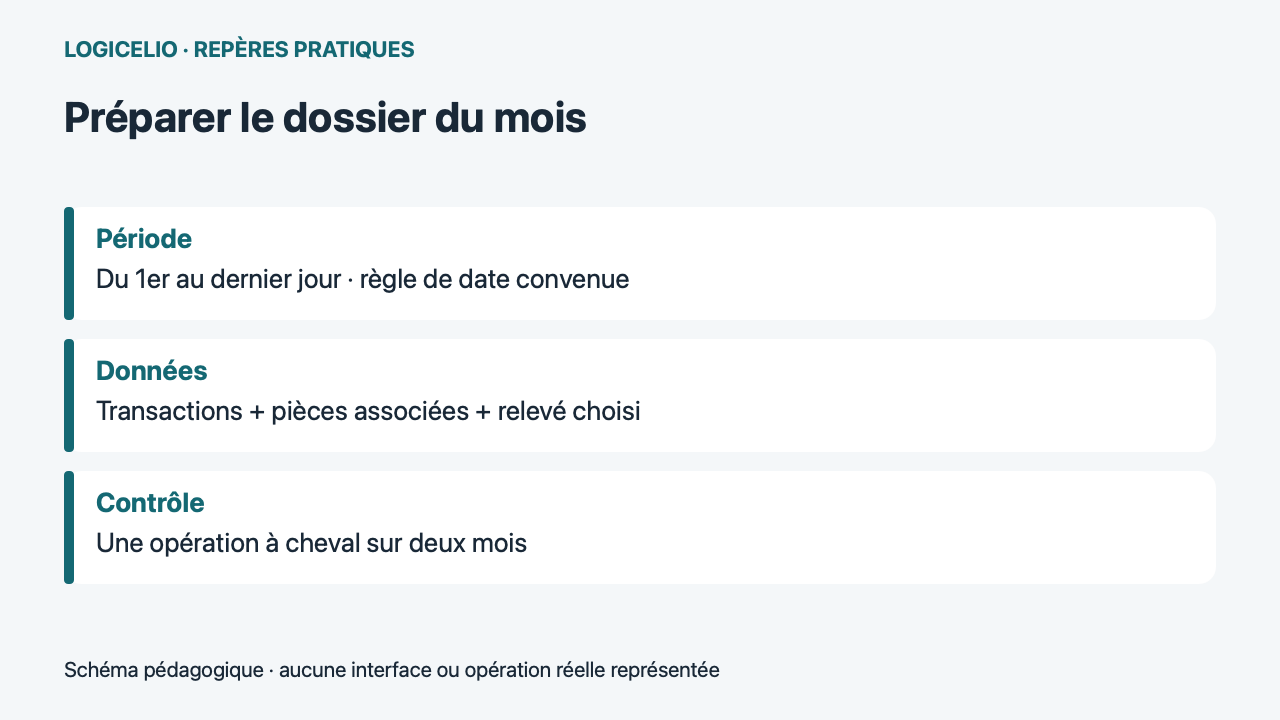
To submit a Shine export, choose the format requested by your recipient, check the associated credentials and compare a transaction at the month's border with the statement. The date displayed in the application and the date used in the file do not always tell the same payment step.
Analysis of official documentation, with no testing on a paid account.
This guide concerns the accounting preparation of the professional account Shine. The Shine Invoice product has its own space and exports. Official Aids Consulted the 22 October 2026.
Why a transaction can change months
Aid Shine on exports distinguishes initiation and validation. The CSV includes both dates; QIF and OFX use the validation date. The bank statement also uses validation, while the interface shows initiation. Ask which date your accountant uses before comparing two lists.
Hypothetical case: a purchase of 84 € is initiated on 30 October and validated on 2 November. Searching October expenses in the application may show it, while reconciliation by validation date assigns it to November. The useful check is to find the same transaction and its supporting document, then explain the difference in period. Adding a second expense entry to make the totals match would create an error.
Link a legible piece to the correct operation
The formal procedureaddition of supporting documents goes through the transaction and the action Attach a receipt. The photo or file must match the purchase. Shine states that the receipts thus registered have no probative value and requests that the originals be retained in writing. The attached copy facilitates the preparation of the file. Keep the original as directed by Shine.
Open a few supporting documents before sending the whole month's records: the vendor must be identifiable, the date legible, the total visible and all pages present. For a refund or a grouped payment, attach an explanation to the handover file if the link to the bank amount is not obvious. Have the person responsible for the accounts validate the VAT treatment rather than inferring a rate solely from the amount debited.
Generate a file with a clearly defined scope
For the web interface, the help documentation gives the path Report, then Accounting export and Generate an accounting export. The export may include transactions, receipts for outgoing payments, invoices linked to incoming payments and selected statements. Do not send CSV, OFX and QIF as three datasets to import together: choose the format your accounting firm expects.
| Element | Check | Decision |
|---|---|---|
| Period | Date rule confirmed | Document offset operations |
| Supporting document for 84 € | Corresponding amount and supplier | Associate once |
| Statement | Good account and good month | Include the one requested by the firm |
Name the archive with the company, account and period. Keep the version sent and note its date of transmission. If you need to complete a piece then indicate that it is a supplement; do not silently return an archive that the accountant could import again.
Choose between planned export and dedicated access
Theaccounting access Shine is documented for Start, Plus and Business. It includes viewing transactions, supporting documents and statements, as well as preparing exports. Send the invitation on a computer under Team, then Team members, using the accountant role.
Decide who collects supporting documents and who imports data. Automatically sending the monthly export is useful only if someone handles exceptions before the deadline. After changing accounting firms, also check scheduled export recipients and the members who still have access. Good organisation leaves an identified person responsible for missing documents, without assuming a subscription alone takes care of bookkeeping.
Partner link
Sources and method of this analysis
Shine: export formats, content and dates ; Shine: link supporting documents to transactions ; Shine: creating an accounting access This analysis compares Shine export formats with the dates and supporting documents needed for a monthly handover. Sources consulted on 22 October 2026. Methodology · Trade transparency · Report correction.