Analysis of official documentation, with no testing on a paid account.
In this guide
Work backwards from when the recipient needs the funds. The scheduled transfer date and actual receipt are separate stages: Shine gives 2 to 3 business days for an outgoing standard SEPA transfer.
Method. Two Shine help pages reviewed on 9 November 2026 and a fictional cash-reservation calculation. No real transfer or account was used.
Work backwards from the receipt date
Record the agreed receipt date, transfer type and intervening business days. Fictional example: for funds due on a Tuesday, a small business selects the previous Thursday as a cautious date for scheduling a standard SEPA transfer. This allows three business days and must be recalculated if a public holiday intervenes.
Shine documents the path Payment > Make a transfer > Scheduled transfer. Choose the beneficiary, amount, date and frequency, then review all four together. The saved order appears under Payment > Scheduled transfers.
According to Shine help, a future or recurring transfer is not eligible for instant transfer. Do not shorten the schedule by assuming the programmed order will arrive in seconds.
Reserve funds already committed
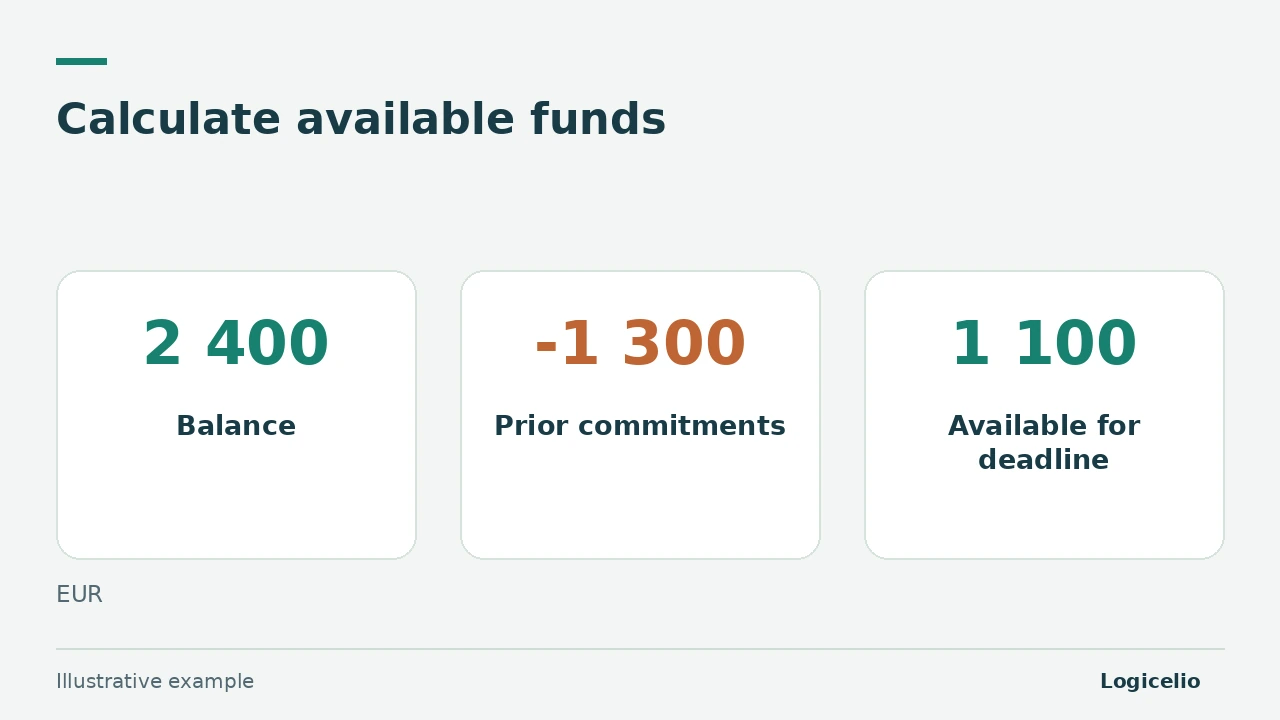
Fictional example: the account shows 2 400 €. Payments of 800 € and 500 € are due before a 950 € rent payment. Funds available after the first commitments equal 2 400 - 800 - 500 = 1 100 €. The rent payment then leaves a margin of 150 €.
| Stage | Amount | Calculated balance |
|---|---|---|
| Displayed balance | 2 400 € | 2 400 € |
| First commitment | - 800 € | 1 600 € |
| Second commitment | - 500 € | 1 100 € |
| Scheduled rent | - 950 € | 150 € |
If another payment of 200 € is added, the margin becomes -50 €. The saved order then requires a cash decision before execution. Include known commitments even when they have not yet appeared as debited transactions.
Review a recurring transfer when it changes
A revised rent, an ended contract or a changed beneficiary requires another review. Shine lets you find the recurring order under Payment > Scheduled transfers, open the order and suspend it. Keep a record of the previous instruction and check the next payment before creating another order.
After the deadline, match the debit to the expected amount and, when needed, the recipient’s confirmation. A scheduling screenshot records preparation of the order; it does not replace evidence of the executed transaction.
The guide to Shine plan costs covers transaction quotas and fees. The guide to virtual cards for subscriptions helps you choose another recurring payment method.
Partner link
Sources and method of this analysis
Shine: schedule a one-off or recurring transfer ; Shine: debit and receipt times Documentary review of two Shine help pages and a fictional cash-reservation calculation. No real account or transfer was used. Sources reviewed on 9 November 2026. Methodology · Trade transparency · Report correction.