
In what case watch GanttPRO?
GanttPRO is for those responsible for explaining the sequence of steps of a project. If tasks change continuously without a predictable order, a flow chart can be easier to maintain than a detailed schedule whose assumptions are not re-evaluated.
In this review
GanttPRO at a glance
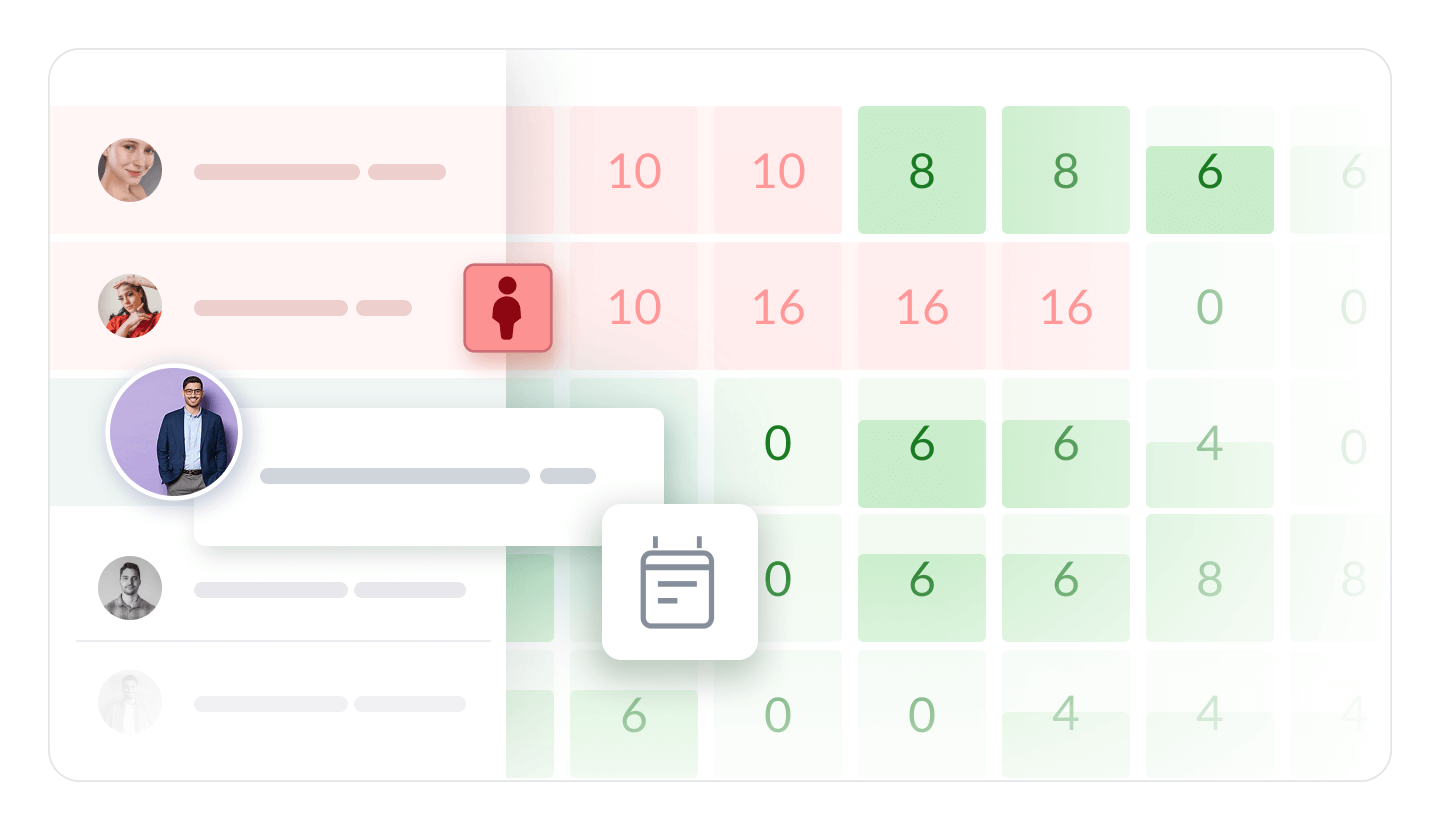
GanttPRO interface: what this capture shows
Gantt diagram presented on the official website GanttPRO. Logicelio uses this capture as a visual marker to read with its positioning "Visual planning centered on the Gantt diagram" and functions Projects, tasks and responsibilities, Views, planning and prioritization, Collaboration, comments and documentation. This image is not a trial of the software.
The capture comes from an official GanttPRO resource.
View GanttPRO on the official website →
What to remember before choosing GanttPRO
GanttPRO is a trail if your difficulty is to understand what shifts a delivery. A useful planning must represent real dependencies: wait for validation, receive an element or dispose of a person. Coloring bars is not enough. Take a project already completed to check if the model correctly reproduces the difficulties you encountered.
the selected team size, the plan and the workload management required.
What GanttPRO offers on a daily basis
Core includes Gantt charts, a project calendar, automatic scheduling and virtual resources. Distinguish working time from waiting time: three hours of production do not mean the deliverable can be handed over that day if external approval is still needed.
Advanced adds custom fields and filters, calendar exceptions and project models. Start with a simple calendar. Add an exception only when it represents a real unavailability; otherwise the settings become difficult to explain to the rest of the team.
Business puts forward, portfolio, time and budget. These views require consistent assumptions. The same person cannot be available full-time on several missions; therefore, document what is reserved for the project and what remains for the current work.
The page varies pricing according to the selected team size and offers a fourteen-day trial. The amount displayed for a large team is not a guaranteed individual price. Save the exact selection before calculating the annual cost.
When this option makes sense
Who it is for: responsible for explaining the sequence of steps of a project.
When to look at another approach: If tasks change continuously without a predictable order, a flow chart can be easier to maintain than a detailed schedule whose assumptions are not re-evaluated.
Example: preparing a professional event
An event has a fixed date but several elements can be prepared in parallel. Separate tasks that actually condition the sequence from those that can wait. Planning becomes useful when it helps decide where to move a resource after a delay. If it only registers dates already negotiated elsewhere, it may become an updated formality on the eve of meetings.
Budget: compare the right scope
GanttPRO budget: the selected team size, the plan and the workload management required.
Limits that may change your mind
The selected team size affects the price per user. The visible price for a large team should not be taken as an individual universal price. The load, portfolio and budget functions are highlighted in Business. XML export excludes resources and allocations, costs, custom fields, comments and attachments; XML and Excel do not contain the Gantt diagram. Prepare an archive adapted to the result you need to keep.
Sources of these limits
Three checks to see if GanttPRO suits you
Reconstitute a delivery schedule, move a step and verify the consequences on people and dates.
- Starting from a completed project
Record planned dates, actual waiting periods and approvals. Build only dependencies you can explain. A bar moved without a traceable reason makes the schedule unreliable.
- Simulating Unavailability
Withdraw a day of stakeholder availability or move a validation. Check what dates change and what steps remain independent. Discuss the result with the person in charge of the work.
- Share an understandable state
Prepare restitution for the customer or management. It must show the milestones and decisions expected without setting out all the internal details. Also check recoverable files before generalizing.
GanttPRO facing the closest solutions
| Software | Positioning | Profile | Cost to watch |
|---|---|---|---|
| GanttPRO this review | Visual planning centred on a Gantt chart | managers who need to explain the sequence of project stages | the selected team size, plan and workload management needed |
| Asana | Task and deadline management across multiple projects | teams whose deliveries depend on shared responsibilities and deadlines | the paid members, level of management features and additional options |
| ClickUp | Task, document and project view management in a shared workspace | small teams that want to bring several uses together with a designated administrator | the workspace seats, guest access, AI options and configuration |
| Nozbe | Organisation of tasks and discussions linked to projects | small teams that want to find discussions alongside the work to be done | the Premium users, active projects and history retention |
See all alternatives to GanttPRO →
Scope of the documentation
GanttPRO pricing: no amount was recorded for this review.
Interface language: incomplete documentary verification.
No third-party test cited; documentary review only.
Sources used for this review
GanttPRO: public sources reviewed on 27 September 2026. This review does not publish a per-seat price independent of team size and does not claim to have tested the scheduling engine.